Last reviewed: July 13, 2026
Most antivirus buying guides work backwards. They start with products they want to recommend, usually whatever pays the highest commission, and then build the case for why you need them. This guide starts with questions, because the right antivirus for you depends entirely on your situation.
There’s also a real chance the right answer is free.
Decision flow
Do you need paid antivirus?
The answer depends more on habits and exposure than on fear-based marketing.
- 01
Low exposure
Mainstream browsing, updated Windows, no cracked software, and unique passwords.
Defender is a reasonable baseline
- 02
Medium exposure
Public Wi-Fi, family devices, occasional unfamiliar downloads, or mixed Windows/Mac/Android use.
A paid suite may be useful
- 03
High consequence
Client files, business data, shared machines, or users who often click risky prompts.
Use stronger layers plus backup
Step 1: Do you actually need paid antivirus?
This is the question most buying guides skip. Answer it honestly before spending money.
Windows Defender, built into Windows 10 and 11, scored 6/6 in AV-TEST’s February 2026 evaluation, the same as Bitdefender, Norton, and other paid alternatives. For core malware detection, it’s equivalent to products that cost $50-125 per year.
You probably don’t need paid antivirus if:
- You browse mainstream websites and don’t download from unofficial sources
- You keep Windows and other software updated
- You don’t use cracked or pirated software
- You’re protecting a single Windows device
- Budget is a genuine consideration
Paid antivirus adds real value if:
- You need coverage across multiple devices including Mac and Android
- You want a bundled VPN for regular public Wi-Fi use
- You want identity monitoring or dark web breach alerts
- Someone in your household downloads from unofficial sources regularly
- You want parental controls across devices
If you fall in the first category, configure Defender properly (enable Controlled Folder Access, install the browser extension in Chrome, turn on automatic updates) and stop reading. You don’t need to spend money.
If you fall in the second category, the rest of this guide is for you.
Alternative path
Upgrade only when the gap is real
The cleanest antivirus decision starts with the free baseline and moves up only when your situation asks for it.
- 01
Start here
Microsoft Defender
Use the built-in baseline when you have one Windows device, careful browsing habits, and no need for bundled extras.
- 02
Upgrade if
Bitdefender or ESET
Pay when you need quieter hand-holding, family coverage, lower system impact, or a mainstream paid suite.
- 03
Consider if
Norton 360
Consider Norton mainly when unlimited bundled VPN is a real requirement, not a nice extra.
- 04
Avoid if
Upsell-heavy checkout
Skip products that demand subscription monitoring you do not want to manage.
If you cannot name the specific gap paid antivirus solves, Defender plus better habits may be the better first move.
Step 2: Identify what you actually need
Before comparing products, be specific about what you’re buying.
Core protection only: You want reliable malware detection without extras. Bitdefender Antivirus Plus or ESET NOD32 cover this well at lower price points than full suites.
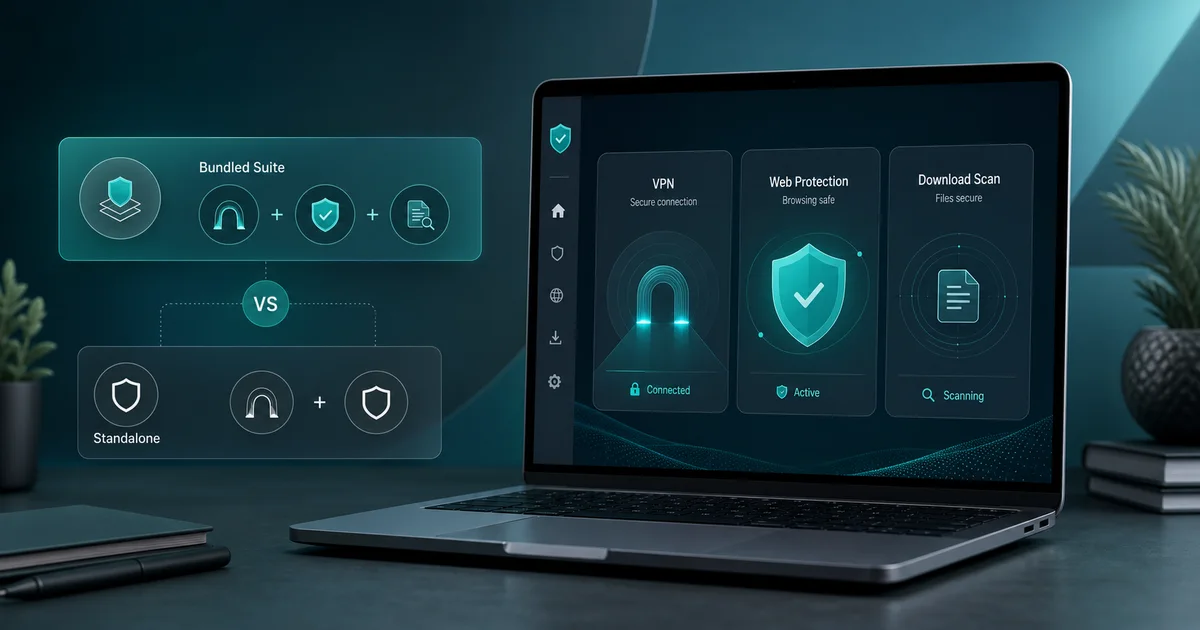
Protection plus VPN: You travel or use public Wi-Fi regularly. Norton 360 has the clearest bundled VPN because it includes unlimited data across all plans. Bitdefender’s bundled VPN is capped at 200MB/day, which is fine for occasional use but not daily browsing.
If VPN is the actual product you care about, do not force the decision into an antivirus bundle. NordVPN Complete is a better fit for users who want VPN-first security with anti-malware and browsing protection, while keeping Microsoft Defender, ESET, or another antivirus as the device-level baseline.
Protection plus password manager: Most suites bundle a password manager, but they vary in quality. A standalone tool like Bitwarden (free) or 1Password is usually better than whatever’s bundled. Don’t pay more for a bundled password manager you won’t use.
Multi-device household: If you need Windows, Mac, and mobile covered under one subscription, check device limits before buying. Norton and Bitdefender both offer multi-device plans.
Family with kids: Parental controls vary significantly. Norton and Bitdefender both include them in higher-tier plans. ESET doesn’t; it focuses on pure protection.
Step 3: Understand the real pricing
First-year antivirus pricing is almost universally promotional. The price you’ll pay in year two is what matters for long-term budgeting.
| Product | Year 1 | Year 2+ | 2-year total |
|---|---|---|---|
| Windows Defender | $0 | $0 | $0 |
| Bitdefender Antivirus Plus | $12.99 | $49.99 | ~$63 |
| Bitdefender Total Security | $19.99 | $89.99 | ~$110 |
| ESET Internet Security | $49.99 | $59.99 | ~$110 |
| Norton 360 Deluxe | $49.99 | $124.99 | ~$175 |
| Malwarebytes Premium | $44.99 | $59.99 | ~$105 |
Before you buy anything, look up the renewal price on the product’s pricing page. It’s always there, usually in fine print. Budget based on the two-year number, not the first-year promotion.
Watch for pre-checked extras at checkout. Some products add VPN, cleanup tools, or identity monitoring to your cart automatically. Review your order carefully before paying.
Step 4: Check independent lab results
Don’t rely on vendor marketing claims. Two organizations test antivirus products independently against thousands of real malware samples:
AV-TEST (Germany) evaluates protection, performance, and usability on a 6-point scale. Look for products with 5.5 or 6 out of 6 for protection.
AV-Comparatives (Austria) runs real-world protection tests and awards Advanced or Advanced+ ratings to top performers.
Products that don’t submit to these tests, including TotalAV and some IObit products, are harder to evaluate objectively. This doesn’t mean they’re bad, but you’re relying more on vendor claims rather than independent verification.
Step 5: Consider system impact
Antivirus runs in the background constantly. A heavy suite can noticeably slow down older or lower-spec machines.
For older hardware: ESET and Bitdefender have consistently low performance impact in AV-Comparatives tests. Norton does more in the background and is more noticeable on slower machines.
If you’re not sure: most products offer 30-day trials. Install it, use your machine normally for a week, and see if you notice any slowdown before committing.
The decision framework
Run through this in order:
- Is Defender enough for my habits? If yes, stop here.
- Do I need coverage on non-Windows devices? If yes, look at multi-device plans from Bitdefender or Norton.
- Do I need an unlimited VPN bundled in? If yes, compare Norton 360 for one-bundle simplicity against NordVPN Complete plus Defender or ESET for stronger VPN focus.
- Is budget a significant concern? If yes, Bitdefender Antivirus Plus at first-year pricing is the best value entry.
- Do I want the lightest possible system impact? If yes, ESET.
- Do I want to avoid upsell behavior in the interface? Avoid TotalAV and IObit as primary antivirus; prefer ESET or Bitdefender.
What I’d recommend for most people
For careful Windows users who haven’t identified a specific gap in Defender: configure Defender properly, add Malwarebytes Free as a periodic second-opinion scanner, and spend the money on a password manager instead.
For users who want paid protection: Bitdefender Total Security covers most needs at a reasonable first-year price. Watch the renewal.
For users who genuinely need a VPN included inside one traditional antivirus subscription: Norton 360 Deluxe is the clearest option. For users who care more about VPN quality than one-bundle simplicity: pair Defender or ESET with NordVPN Complete and keep the antivirus decision separate.
Practical checklist
Buying checklist before checkout
Run through these checks before entering a card. The right antivirus is the one that fits your risk, budget, and tolerance for renewal management.
Confirm fit
- Decide whether Defender already covers your realistic risk.
- List the extras you will actually use: VPN, multi-device, parental controls, or identity alerts.
- Check whether the product supports every device you need.
Verify cost
- Find the renewal price, not only the first-year price.
- Look for pre-checked add-ons in the cart.
- Set a calendar reminder before renewal if auto-renewal stays enabled.
Avoid hype
- Do not buy because of scare popups or countdown timers.
- Do not install two real-time antivirus engines at once.
- Use a trial first if performance impact matters.
Sources and last checked notes
- AV-TEST, Windows home-user antivirus test results archive: https://www.av-test.org/en/antivirus/home-windows/
- AV-Comparatives, Windows antivirus test archive: https://www.av-comparatives.org/tests/
- Microsoft Support, Windows Security and Microsoft Defender Antivirus: https://support.microsoft.com/en-us/windows/security/windows-security/stay-protected-with-the-windows-security-app
- Bitdefender Individual Plans: https://www.bitdefender.com/en-us/consumer/individual
- ESET Home Protection Plans: https://www.eset.com/us/home/protection-plans/
- Norton 360 Deluxe product page: https://us.norton.com/products/norton-360-deluxe
- NordVPN pricing and next-gen antivirus pages: https://nordvpn.com/pricing/ and https://nordvpn.com/next-gen-antivirus/