Last reviewed: June 30, 2026
GuardPick snapshot
The short version
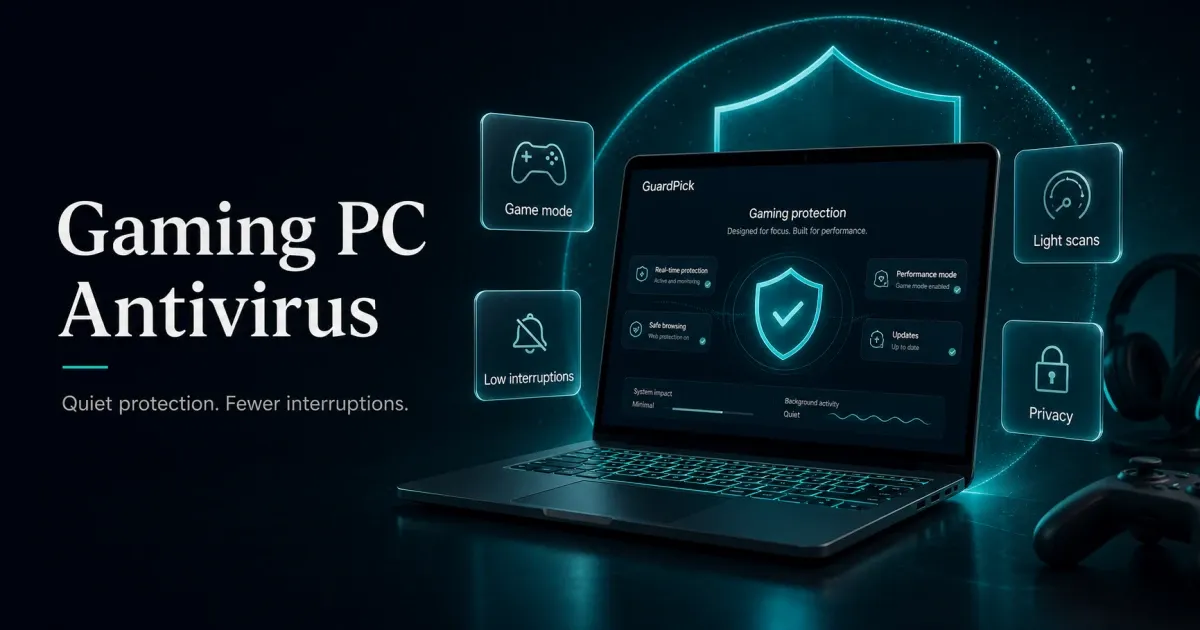
For gaming PCs, the antivirus question is mostly a performance question. The protection quality gap between strong mainstream products is small. The footprint gap is real.
Best for
Gamers who want protection that stays genuinely invisible during sessions and does not introduce lag or notification interruptions.
Avoid if
You are considering a heavy suite with aggressive background scanning and no gamer or silent mode to disable notifications during fullscreen.
Main tradeoff
The lightest products have fewer bundled extras. The most full-featured suites have more performance overhead.
Safer alternative
Microsoft Defender for careful gamers with good download habits.
Antivirus for gaming is a specific problem. Gamers are more likely to download mods, use cracked game sites, or run executables from community sources. But the tolerance for background interference is lower than almost any other use case.
The right pick is not necessarily the one with the highest detection score. It is the one that protects quietly enough that you do not want to disable it.
Quick picks
| Pick | Best for | Year-1 price | Renewal |
|---|---|---|---|
| ESET HOME Security Essential | Best paid fit for gaming | Check current price | Check checkout |
| Windows Defender | Free option for careful gamers | Free | Free |
| Bitdefender Total Security | Family gaming households | $59.99 listed first term | Check checkout |
| Malwarebytes Premium | Lightweight second-opinion layer | ~$44.99 | ~$59.99 |
Best-list matrix
Quick pick matrix
Use this as a first-pass filter before comparing prices, renewals, and bundled extras.
ESET HOME Security Essential
Check current priceBest for
Solo or dual-PC gaming setups where performance impact during sessions matters most.
Why it fits
ESET's current product page emphasizes small system footprint and Gamer Mode for fullscreen sessions. That fits performance-sensitive gaming better than feature-heavy suites.
Watch out
Unlimited VPN and broader identity features sit in higher ESET tiers. Check the exact plan before buying.
Bitdefender Total Security
Check current priceBest for
Family gaming households with multiple devices and a need for parental controls alongside gaming protection.
Why it fits
Strong lab scores, 5-device coverage, and Autopilot mode that runs without requiring interaction. Reasonable gaming experience on modern hardware.
Watch out
Broader suite means more moving parts. The official page listed $59.99 for the first yearly term when checked on June 30, 2026. Verify renewal at checkout.
Malwarebytes Premium
Check current priceBest for
Gamers who already trust Windows Defender for real-time protection but want an extra layer for adware and PUPs from less controlled sources.
Why it fits
Useful for adware, browser hijackers, and potentially unwanted programs that can appear around risky download sites. Can supplement Defender for users who want another layer.
Watch out
Not a full suite replacement for every household. Use it deliberately rather than stacking real-time tools blindly.
ESET HOME Security Essential: best paid fit for gaming performance
ESET’s main claim for gaming use cases is simple: it is a paid antivirus that tends to stay out of the way. ESET’s current U.S. product page emphasizes a small system footprint and Gamer Mode, which is exactly the kind of feature set a gaming PC needs.
In practical terms, this means less CPU and memory competition during sessions, faster application load times, and fewer background processes competing with the game. Full scans still use resources, but scheduled for idle periods, they stay out of the way.
Gamer Mode is the key reason ESET fits this use case. It is designed for fullscreen work and play, where notification suppression matters as much as raw detection.
False positives still matter for gamers using mods, community tools, or older games with unusual executables. Do not whitelist a file just because a forum says it is safe, but choose a product whose alerts you are willing to read instead of blindly dismiss.
Start 30-day free trialMicrosoft Defender: best free option for careful gamers
Windows Defender is already on your machine and does not require setup, renewal management, or configuration for gaming.
For gamers who stick to Steam, GOG, or other controlled distribution platforms and avoid cracked software, Defender is often sufficient. It is a credible free baseline in independent testing, and it integrates natively with Windows 11’s security stack.
The relevant gaming advantage: Defender does not add an external layer of processes. Its real-time protection runs inside the operating system rather than alongside it, which means no separate antivirus dashboard, no renewal notification, and no additional memory overhead from a separate application.
The limitation: Defender is not a magic cleanup tool for every adware bundle, browser hijacker, or potentially unwanted program around unofficial download sites. If your download habits include those sources, adding a focused cleanup layer can make sense.
Bitdefender Total Security: best for family gaming households
Bitdefender makes sense for gaming when the household has multiple devices and parental controls matter alongside gaming protection.
Bitdefender has strong independent-lab history and a broader consumer suite than ESET. On modern hardware from roughly 2019 and newer with SSD storage, the performance impact during real-time protection is usually manageable. Full scan scheduling during idle periods handles the heavier resource use.
The caveat for gaming: a broader suite has more background features to configure. Before long sessions, check notification profiles, scheduled scans, and VPN prompts. None of this is a deal breaker on current hardware, but it is worth doing once.
Start 30-day free trialWhat makes gaming different from standard antivirus use
Practical checklist
Gaming-specific antivirus configuration
Once you have chosen a product, configure it for gaming rather than using the defaults.
Do these
- Enable gamer or silent mode: suppresses notifications during fullscreen.
- Schedule full scans during idle hours (overnight or post-session).
- Exclude game installation folders from real-time scans if the product allows. This can reduce false positives.
- Keep Windows and your antivirus updated; outdated signatures create gaps.
- Back up save files and important game data separately from your antivirus.
Avoid these
- Disabling real-time protection to reduce lag. Fix the configuration instead.
- Downloading cracks or cheats and disabling antivirus to run them.
- Running two real-time antivirus engines simultaneously. This can cause conflicts and double overhead.
- Ignoring renewal reminders until the product expires mid-session.
Pricing comparison
| Plan | Devices | Year 1 | Renewal | |
|---|---|---|---|---|
| ESET HOME Security Essential Best value | Varies | $59.99 | — | Check current price → |
| Bitdefender Total Security Individual | 5 devices | $59.99 | — | Check current price → |
| Malwarebytes Premium (1 device) | 1 device | $44.99 | $59.99 | View deal → |
| Windows Defender | Unlimited | $0.00 | — | Read guide → |
Source and pricing note: this draft uses ESET’s U.S. home protection plans, Bitdefender’s Total Security page, AV-TEST Windows home-user results, and AV-Comparatives’ April 2026 performance test for current plan and lab context. Bitdefender’s official U.S. Total Security page listed USD 59.99 for the Individual 5-device yearly first term when checked on June 30, 2026. ESET plan pricing can vary by HOME tier, device count, and sale period, so this draft should be checked again before publish.
Who each pick is for
Audience match
Match the pick to the person
The safest choice changes by habits, budget, and who manages the device.
Reader profile
Solo gamer, controlled download habits
Recommended choice
Microsoft Defender
Why
Free, native to Windows 11, no renewal to manage. Enough for Steam/GOG gaming.
Avoid / watch out
Less effective for unofficial sources and mod sites.
Reader profile
Solo gamer, uses mods and community tools
Recommended choice
ESET HOME Security Essential
Why
Small-footprint positioning and Gamer Mode fit fullscreen sessions well.
Avoid / watch out
Check exact plan features and renewal before buying.
Reader profile
Family gaming household, kids on the PC
Recommended choice
Bitdefender Total Security
Why
5-device coverage and broader family/security features.
Avoid / watch out
Verify renewal and family-control requirements at checkout.
Reader profile
Gamer who already uses Defender and wants extra coverage
Recommended choice
Malwarebytes Premium alongside Defender
Why
Can add a focused adware and PUP layer for users who spend time around less controlled download sources.
Avoid / watch out
Use it deliberately alongside Defender. Do not stack multiple full real-time suites.
What about Windows Defender for gaming?
Already covered above, but worth repeating: for the majority of PC gamers on controlled platforms, Defender is sufficient. The narrative that gamers need premium antivirus is partly driven by affiliate economics. Most gaming-focused antivirus roundups have a financial incentive to push paid products.
The honest position: if you use Steam, GOG, Epic, or similar platforms and do not run cracked software or download mods from random sites, Defender covers your actual risk level. If you do use those sources, ESET is the paid upgrade that adds the least friction to your gaming setup.
Check current priceEditorial method
How this was checked
GuardPick reviews combine a real-world Windows user angle with source checks, pricing context, and safer alternatives. We are not an antivirus lab, and we do not treat affiliate payouts as a recommendation signal.
- 01
Real-world angle
We look at whether the product makes sense for normal Windows users, not only benchmark charts.
- 02
Independent research
When lab data is used, we name the source and date instead of repeating vague marketing claims.
- 03
Pricing check
Intro prices, renewal jumps, trial limits, and cancellation friction are part of the verdict.
- 04
Alternatives considered
Windows Defender and lower-cost options stay on the table when paid software is not necessary.
Related reading
ESET review · Best antivirus software overall · Windows Defender vs paid antivirus · How to choose antivirus software