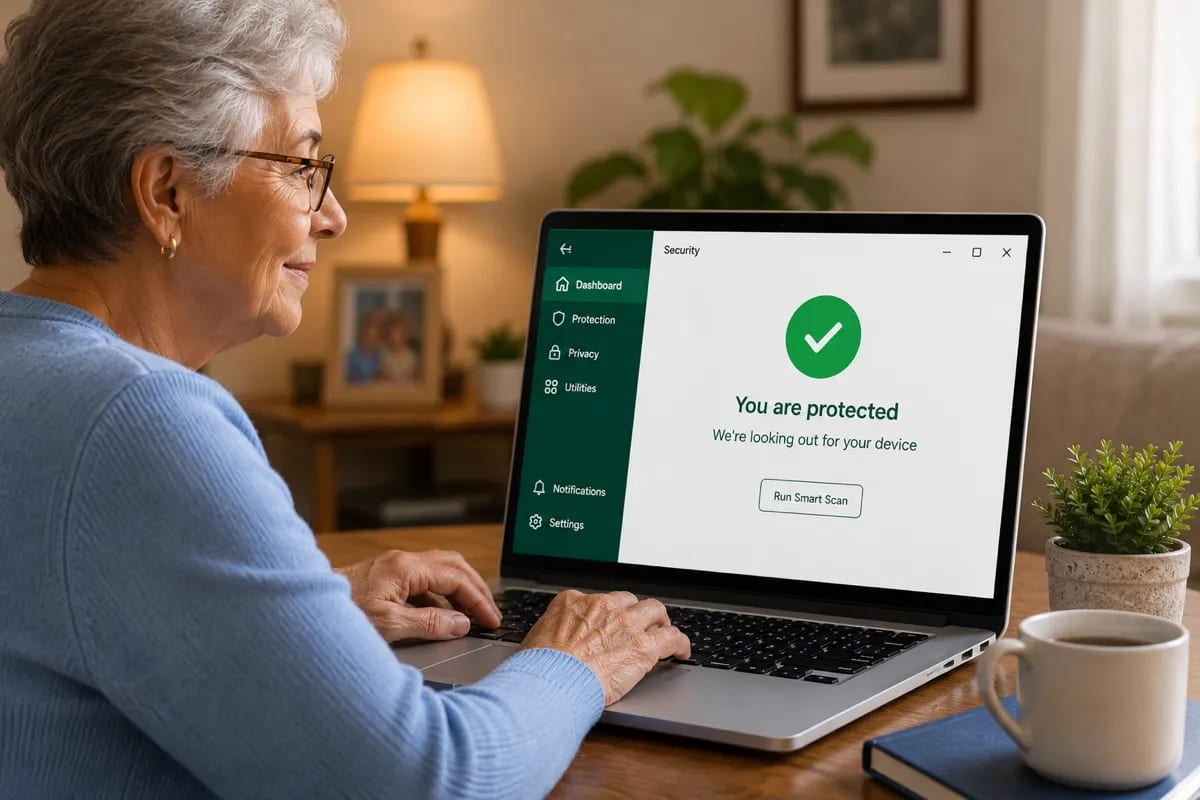
I’ve worked from home for most of my professional life.
No office IT desk. No managed security stack. No one walking over to say, “Hey, your machine is out of policy.”
Just me, client files, browser tabs, a few too many logins, and the occasional reminder that security is easier to ignore until something breaks.
The VPS side taught me the same lesson the hard way. I once had a server with SSH exposed more casually than I should have. Bot traffic hit it constantly. Nothing dramatic happened, but watching those attempts made one thing obvious: anything connected to the internet is being tested more often than you think.
Remote work has a softer version of that problem.
Your laptop may be at home, but your work life is exposed to email, cloud storage, shared documents, video calls, client portals, browser extensions, public Wi-Fi, and files from people you may not fully know.
Antivirus is not the whole answer.
But if you use a personal Windows laptop for work, it is one layer I would not ignore.
Quick picks
| Pick | Best for | Why |
|---|---|---|
| Bitdefender Total Security | Best overall paid pick | Strong lab results, anti-phishing, ransomware protection, useful home-office features |
| ESET HOME Security Essential | Older or performance-sensitive laptops | Lighter-feeling protection with fewer interruptions |
| Microsoft Defender | Careful Windows 11 users | Free, built in, good baseline if habits are solid |
| Norton 360 Deluxe | Remote workers who need a bundle | Includes VPN and backup-style extras, but renewal pricing needs attention |
| Malwarebytes Premium | Extra cleanup layer | Useful for adware, suspicious popups, and second-opinion scans |
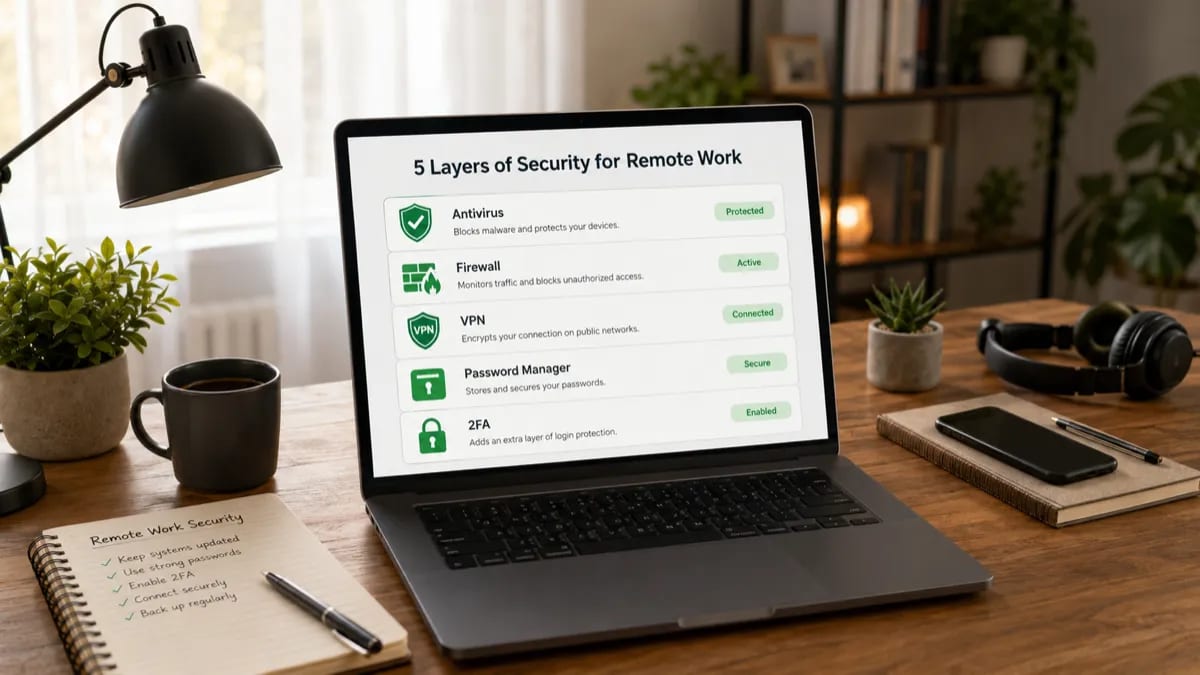
Antivirus helps with endpoint protection, but remote workers also need 2FA, backups, password management, and safer file habits.
First question: company laptop or personal laptop?
Before choosing antivirus, answer this first.
Are you using a company-managed device?
If yes, stop here and check with your IT team.
Many company laptops already run managed endpoint protection. They may also enforce disk encryption, browser policies, VPN rules, device monitoring, and software restrictions. Installing your own antivirus on top can create conflicts or violate policy.
For company devices, the right move is usually:
- keep the company security tools enabled
- do not disable endpoint protection
- use the company VPN if required
- follow internal file handling rules
- report suspicious emails instead of handling them alone
This guide is mainly for people using a personal Windows laptop for work:
- freelancers
- consultants
- creators
- solo business owners
- contractors
- remote workers at small companies
- anyone whose “IT department” is basically themselves
If that is you, antivirus matters more because nobody else is quietly managing your endpoint.
What remote work changes about security
Remote work does not magically make your laptop more dangerous.
It changes what your laptop is connected to.
More work happens through browser tabs
Email, Slack, Teams, Notion, Google Workspace, Microsoft 365, client dashboards, payment tools, cloud storage — a lot of modern work is just browser sessions with sensitive access.
That makes phishing and fake login pages a major risk.
Antivirus can help block some malicious domains. It cannot fully protect you if you willingly type your password into a convincing fake login page.
More files come from outside your organization
Remote workers often receive files from clients, vendors, applicants, contractors, customers, and collaborators.
PDFs, ZIP files, invoices, design assets, spreadsheets, installers, shared folders — all of these become normal.
That makes download scanning and behavior detection useful.
Your home network is not an office network
A corporate network may have managed firewall rules, device isolation, DNS filtering, and monitoring.
Your home network may have:
- an old router
- default admin credentials
- a smart TV
- kids’ tablets
- guest devices
- random IoT devices
- a printer nobody has updated since 2019
Antivirus on your laptop does not fix your router. But it does help protect the endpoint sitting on that network.
Ransomware has more paths to hurt you
Remote workers often sync files to OneDrive, Google Drive, Dropbox, or client cloud folders.
If ransomware encrypts local synced files, those encrypted changes may sync before you notice.
That is why ransomware behavior protection and cloud version history both matter.
What to look for in antivirus for remote work
For remote workers, I care less about “100 features” and more about a few practical things.
Anti-phishing and web protection
Remote workers live in email and browser tabs.
The antivirus should help block malicious links, fake login pages, suspicious downloads, and known bad domains. This is one of the most useful paid antivirus features for day-to-day work.
Ransomware behavior detection
Look for behavior-based protection, not just signature scanning.
The useful feature is not “we know this exact malware file.” It is “this unknown process is trying to encrypt a bunch of your documents.”
Low system impact
You should not have to choose between security and a stable Zoom call.
Heavy background scans during work hours are annoying enough that people turn protection off. That is worse than choosing a lighter tool from the start.
Clear renewal pricing
Remote workers already have subscriptions everywhere.
Antivirus should not become another surprise charge. First-year discounts are fine if the renewal price is clear and you set a reminder.
Realistic VPN expectations
A bundled VPN can help on public Wi-Fi, but most antivirus VPNs are not the best choice for people who use VPN all day.
Bitdefender Total Security includes a basic VPN allowance of 200MB per day. That is fine for quick coffee-shop sessions. It is not enough for a full remote workday.
Best antivirus for remote workers in 2026
1. Bitdefender Total Security — Best overall paid pick
Bitdefender Total Security is my first paid pick for most remote workers using a personal Windows laptop.
It has the right mix for home-office risk:
- strong independent lab results
- anti-phishing and web protection
- ransomware protection
- network threat prevention
- multi-device coverage
- a simple enough dashboard
In AV-TEST’s April 2026 Windows 11 home-user test, Bitdefender Total Security scored 6/6 for Protection, 6/6 for Performance, and 6/6 for Usability. In AV-Comparatives’ February–May 2026 Real-World Protection Test, Bitdefender had a 99.5% protection rate across 400 test cases.
That does not mean perfect protection. No antivirus can promise that.
It does mean Bitdefender is a serious paid option with strong current independent test performance.
For remote work, the ransomware and web protection matter more than the marketing extras. If you handle client documents, invoices, PDFs, spreadsheets, and shared downloads, Bitdefender gives you useful protection without needing to babysit it.
The weak point is the VPN. Bitdefender Total Security includes a basic VPN allowance of 200MB per day. That is useful for quick public Wi-Fi protection, but not enough if you need VPN for hours.
Bitdefender is the paid option I would choose for most remote workers because it can give a clear protected status without turning every workday into a security dashboard.
Pricing
First year
$59.99
Renewal (year 2+)
$109.99 +83%
⚠️ Note: renewal price increases significantly after year 1. Set a calendar reminder before auto-renewal.
Prices last checked: Jun 2026. May vary. Affiliate disclosure.
Best for: Freelancers, consultants, and home-office workers who want strong paid protection without a complicated setup.
Avoid if: You need unlimited VPN every day. In that case, use a standalone VPN or a higher Bitdefender plan with unlimited VPN.
My setup note: Schedule full scans outside work hours and set a renewal reminder before year two.
2. ESET HOME Security Essential — Best for older or performance-sensitive laptops
ESET is the option I would choose for remote workers who care about performance and fewer interruptions.
That includes:
- older Windows laptops
- developer setups
- browser-heavy workflows
- video calls all day
- people who hate security popups
ESET is not the flashiest security suite. That is partly why I like it for work machines. The best antivirus for productivity is the one you forget is running until there is a real problem.
In AV-TEST’s April 2026 Windows 11 test, ESET Security Ultimate scored 6/6 for Protection, 5.5/6 for Performance, and 6/6 for Usability. In AV-Comparatives’ February–May 2026 Real-World Protection Test, ESET had a 98.5% protection rate.
That puts it below Bitdefender in that AV-Comparatives round, but still in serious territory.
ESET HOME Security Essential does not include VPN. If you work from coffee shops, airports, hotels, or coworking spaces, pair it with a standalone VPN or your company VPN.
Product naming note: ESET’s consumer lineup now uses names like ESET HOME Security Essential. Many users still search for “ESET Internet Security,” but the current naming may vary by region.
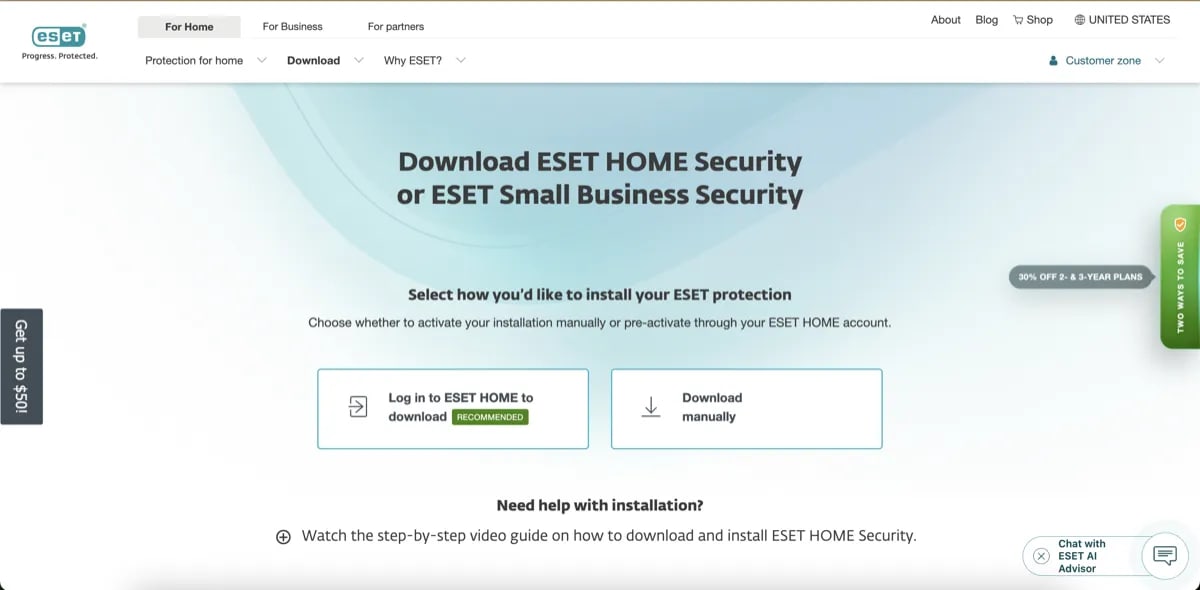
ESET is a better fit when your work laptop is older, slower, or easily affected by heavy security suites during video calls and browser-heavy work.
Pricing
First year
$59.99
Prices last checked: Jun 2026. May vary. Affiliate disclosure.
Best for: Remote workers on older hardware, developers, and people who want lighter paid protection.
Avoid if: You specifically want a bundled VPN in the same plan.
My setup note: ESET is a good fit when you already have a VPN and password manager, and only need clean endpoint protection.
3. Microsoft Defender — Best free baseline for careful remote workers
Microsoft Defender is the honest free baseline.
It is built into Windows, does not require another subscription, and does not create renewal surprises.
In AV-TEST’s April 2026 Windows 11 test, Microsoft Defender Antivirus scored 6/6 for Protection, 6/6 for Performance, and 6/6 for Usability. In AV-Comparatives’ February–May 2026 Real-World Protection Test, Microsoft had a 99.0% protection rate.
For many careful remote workers, that is enough.
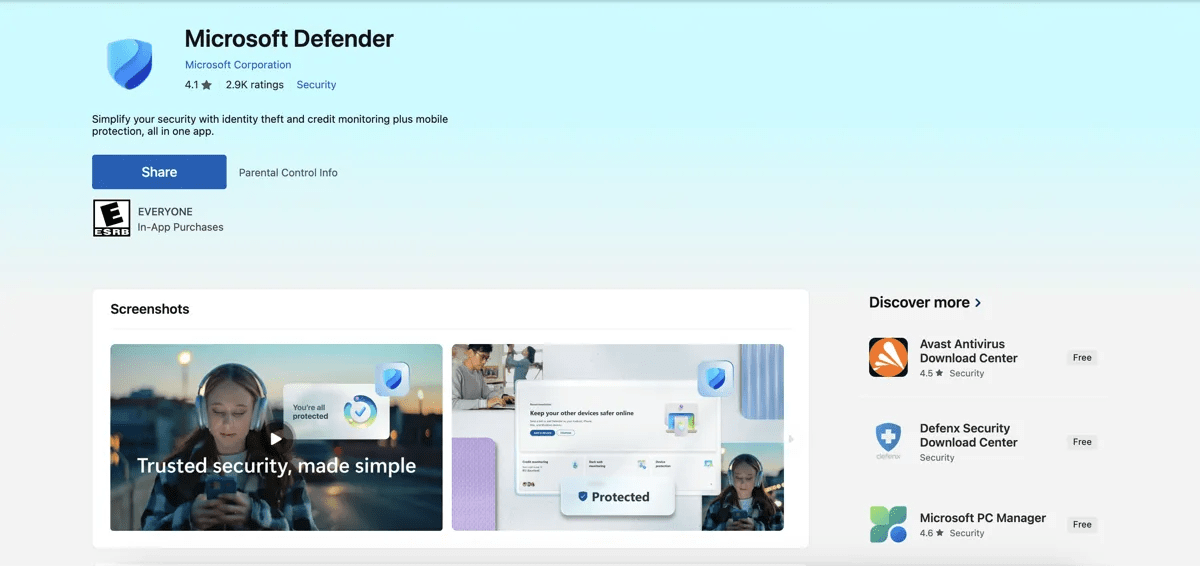
Microsoft Defender is the free baseline I would start with for careful Windows 11 remote workers because it has no checkout add-ons or renewal traps.
The catch is habits.
Defender makes sense if you:
- keep Windows updated
- avoid cracked software
- do not install random browser extensions
- use trusted cloud tools
- turn on 2FA for work accounts
- use a password manager
- avoid suspicious attachments and links
Defender is less ideal if your work involves constant downloads from unknown clients, random ZIP files, unusual installers, or high-volume email attachments.
Best for: Careful Windows 11 remote workers who want free, built-in protection.
Avoid if: You handle risky downloads often or want stronger phishing/web protection beyond the Windows baseline.
My setup note: Check Windows Security, remove expired third-party antivirus tools, and make sure real-time protection is enabled.
4. Norton 360 Deluxe — Best bundle if you need VPN and extras
Norton 360 Deluxe is not my default pick for remote workers, but it deserves a place here because the bundle can make sense.
It includes antivirus, scam protection features, Secure VPN, cloud backup, password manager, and dark web monitoring depending on plan and region.
For remote workers who want one subscription with a lot included, Norton is convenient.
Protection-wise, Norton is strong. In AV-TEST’s April 2026 Windows 11 test, Norton 360 scored 6/6 for Protection, 6/6 for Performance, and 6/6 for Usability. In AV-Comparatives’ February–May 2026 Real-World Protection Test, Norton had a 99.3% protection rate.
The problem is renewal pricing.
Norton’s official US renewal price list, effective March 2026, lists Norton 360 Deluxe at $124.99 per year. First-year promotional pricing can be much lower than that.
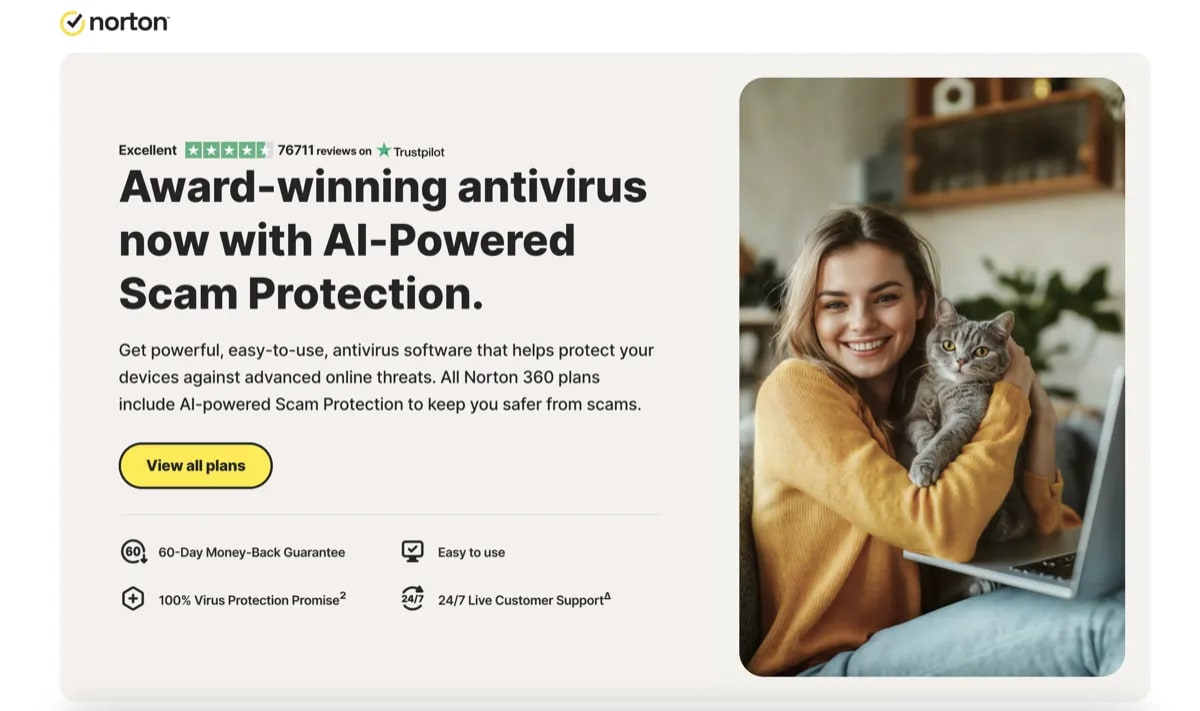
Norton can be a useful bundle for remote work, but it only makes sense if you manage renewal pricing instead of treating the first-year price as the real long-term cost.
That is not automatically bad. But for freelancers and solo workers managing many subscriptions, it needs a calendar reminder.
Best for: Remote workers who want antivirus, VPN, cloud backup, and identity-style extras in one bundle.
Avoid if: You hate renewal price jumps or already use a standalone VPN and password manager.
My setup note: Norton makes more sense as a bundle than as “just antivirus.” If you will not use the extras, Bitdefender or ESET is cleaner.
5. Malwarebytes Premium — Best extra cleanup layer
Malwarebytes is useful for remote workers, but I would not use it as my first paid pick for a complete work setup.
I would treat it as a cleanup and second-opinion layer.
That is still valuable.
Remote workers often install browser extensions, client tools, screen recorders, PDF tools, file transfer apps, project apps, and random utilities. That is where unwanted programs, adware, and browser hijackers creep in.
Malwarebytes is good at helping with that kind of messy problem.
In AV-TEST’s April 2026 Windows 11 test, Malwarebytes Premium scored 5.5/6 for Protection, 6/6 for Performance, and 6/6 for Usability. In AV-Comparatives’ February–May 2026 Real-World Protection Test, Malwarebytes had a 98.8% protection rate.
That is respectable, but I would still pair it with Microsoft Defender or use it as a cleanup layer rather than making it the main remote-work recommendation.
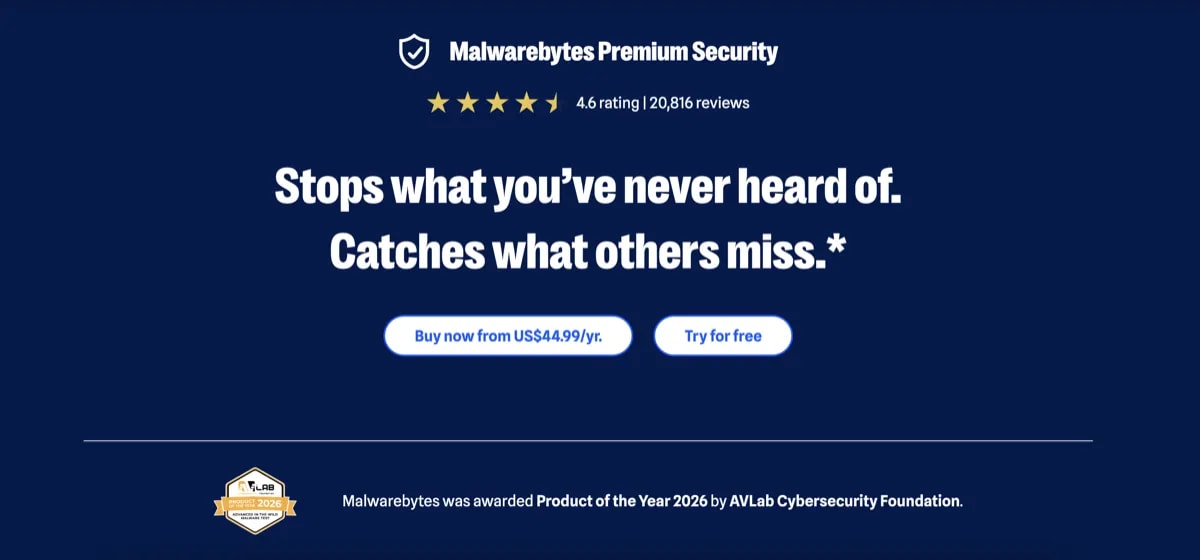
Malwarebytes is most useful as an extra cleanup layer when the real problem is adware, unwanted programs, browser junk, or suspicious popups.
Pricing
First year
$44.99
Prices last checked: Jun 2026. May vary. Affiliate disclosure.
Best for: Remote workers dealing with suspicious popups, browser junk, adware, or unwanted apps.
Avoid if: You want one clean primary antivirus recommendation.
My setup note: Malwarebytes is especially useful after a suspicious download or browser redirect issue.
What about TotalAV?
I would not use TotalAV as a primary pick for remote workers.
The issue is not just protection. It is management overhead.
Remote workers already have enough subscriptions, renewals, apps, client tools, and invoices to track. Antivirus should not add confusing checkout add-ons or billing uncertainty.
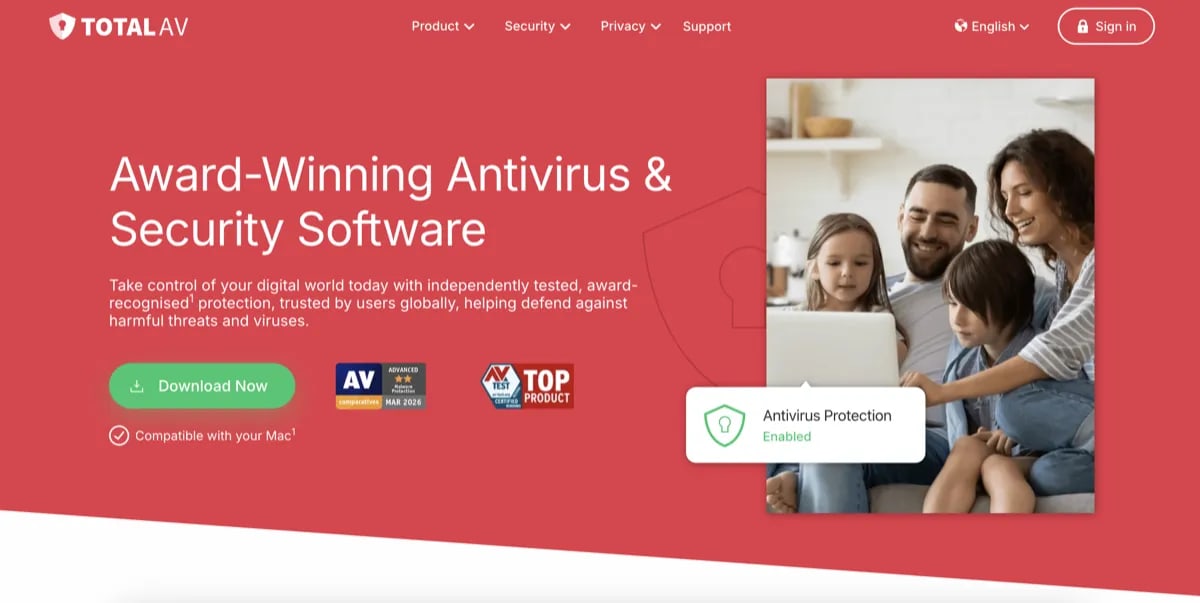
TotalAV is not my primary pick for remote workers because billing, renewal, and upsell questions add extra admin work to an already subscription-heavy setup.
If TotalAV is already installed on your work machine, check:
- renewal date
- renewal price
- auto-renewal status
- add-on charges
- whether you understand exactly what plan you have
If any of that is unclear, I would switch to a cleaner option.
VPN: bundled or standalone?
This matters for remote workers.
A VPN is useful when you work from:
- coffee shops
- airports
- hotels
- coworking spaces
- shared public Wi-Fi
- networks you do not control
But not every antivirus VPN is equal.
| Option | VPN situation | Best use |
|---|---|---|
| Bitdefender Total Security | Basic VPN allowance, 200MB/day | Quick public Wi-Fi sessions |
| Bitdefender Premium Security | Unlimited VPN included | Better if you want Bitdefender plus daily VPN |
| ESET HOME Security Essential | No VPN included | Pair with standalone VPN or company VPN |
| Norton 360 Deluxe | Secure VPN included | Convenient bundle, but watch renewal |
| Microsoft Defender | No VPN | Use standalone VPN if needed |
For occasional public Wi-Fi, a bundled VPN can be enough.
For daily remote work, use your company VPN or a standalone VPN. Bundled antivirus VPNs are convenient, but they are not always the best product if VPN is mission-critical.
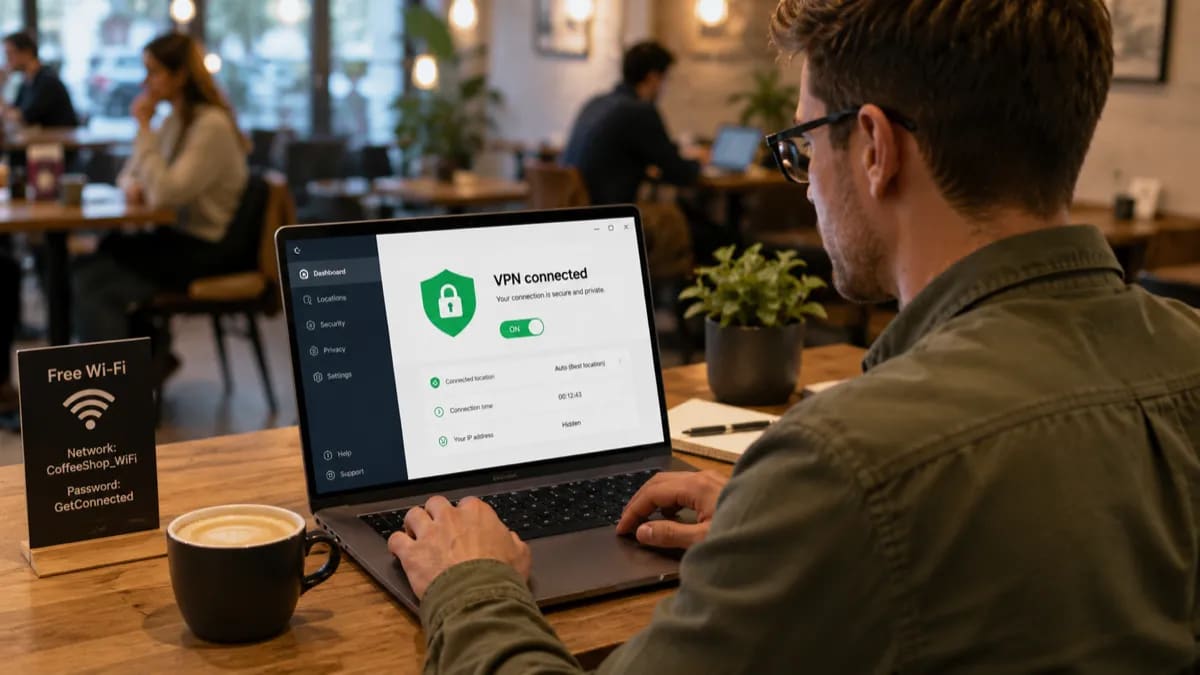
Bundled VPNs are convenient for occasional public Wi-Fi. Daily VPN users should usually use a company VPN or standalone VPN service.
Pricing comparison
Prices change often. Treat this as a snapshot, not a permanent price guarantee.
| Product | First-year price | Renewal risk | VPN | My take |
|---|---|---|---|---|
| Microsoft Defender | Free | None | No | Best free baseline for careful Windows users |
| Bitdefender Total Security | Around $59.99 | Medium to high | 200MB/day | Best overall paid pick |
| ESET HOME Security Essential | Around $59.99 | Varies by region | No | Best for lighter performance |
| Norton 360 Deluxe | Promo varies | High | Yes | Good bundle, watch renewal |
| Malwarebytes Premium | Around $44.99 | Varies by plan | Depends on plan | Best cleanup layer |
Set renewal reminders for any paid antivirus. Do not trust yourself to remember it eleven months from now. I say this as someone who has absolutely trusted himself to remember things and then remembered nothing.
What antivirus will not fix for remote workers
Antivirus is useful, but it does not solve the biggest remote-work risks by itself.
Phishing without malware
A fake Microsoft 365 login page does not need to install malware. It only needs you to type your password.
Use 2FA on every work account.
Weak passwords
If you reuse the same password for email, client portals, cloud storage, and invoicing tools, antivirus cannot save you.
Use a password manager.
Bad router security
Your router matters.
Change the router admin password, update firmware, disable remote admin if you do not use it, and avoid old routers that no longer receive updates.
No backup plan
Ransomware protection is useful, but backup is what saves your work if something slips through.
Use cloud version history and keep at least one offline or separate backup for important work files.
Client file mistakes
Sending the wrong file, sharing a folder publicly, or leaving a client document in the wrong place is not a malware problem.
It is a workflow problem.
Remote worker security checklist
Before buying anything, do this:
- turn on Microsoft Defender or install a trusted paid antivirus
- enable 2FA on email, cloud storage, banking, and client tools
- use a password manager
- update Windows automatically
- update your browser automatically
- remove expired antivirus trials
- uninstall browser extensions you do not trust
- change your router admin password
- update router firmware
- use VPN on public Wi-Fi
- keep cloud version history enabled
- keep a separate backup of critical work files
- lock your screen when you step away
- separate work and personal browser profiles if possible
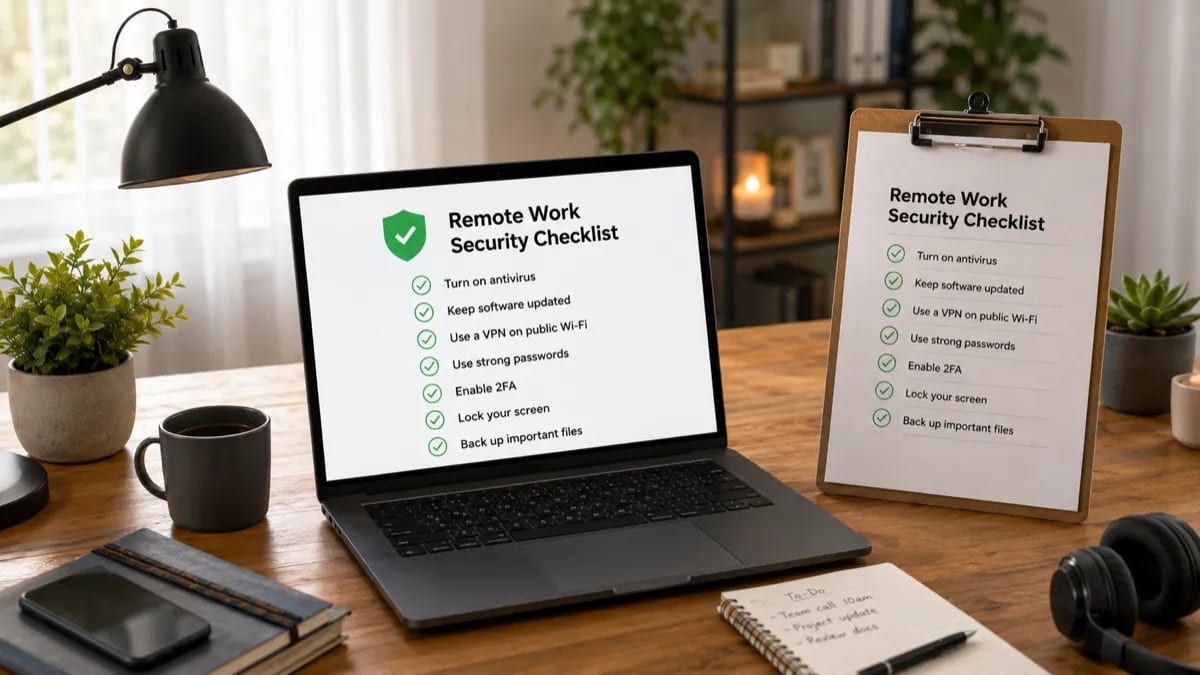
A safer remote-work setup is layered. Antivirus is important, but it is not the whole system.
What I would choose by remote worker type
Choose Microsoft Defender if you use a personal Windows 11 laptop carefully, avoid risky downloads, and already use 2FA and a password manager.
Choose Bitdefender Total Security if you want the best overall paid protection for a personal home-office Windows laptop.
Choose ESET HOME Security Essential if your laptop is older, your workflow is performance-sensitive, or you hate intrusive security suites.
Choose Norton 360 Deluxe if you want a bundle with VPN and backup features and you are willing to manage renewal pricing.
Choose Malwarebytes Premium if your main problem is suspicious popups, adware, or browser junk.
If you are on a company-managed laptop, ask IT first. Do not install personal antivirus just because an article told you to.
My final recommendation
For most remote workers using a personal Windows laptop, my paid pick is Bitdefender Total Security.
It covers the most useful home-office risks: phishing links, suspicious downloads, ransomware behavior, and general malware protection. The basic VPN is limited, but the rest of the suite is strong enough to recommend.
For older laptops or people who care more about a quiet workflow, I would choose ESET HOME Security Essential.
For careful Windows 11 users, Microsoft Defender plus 2FA, a password manager, backups, and good habits may be enough.
Do not buy antivirus because remote work sounds scary.
Buy it because you know what gap it fills in your setup.
Related reading
- Windows Defender vs Paid Antivirus
- Best Antivirus for Students
- Best Antivirus for Seniors
- How to Choose Antivirus Software
- Best Antivirus with VPN
- TotalAV Review 2026
Sources and last checked notes
I do not run a malware testing lab. I use independent lab results as one input, then judge whether the product makes sense for normal Windows users working from home.
- AV-TEST, Windows 11 home-user test, April 2026: https://www.av-test.org/en/antivirus/home-windows/
- AV-Comparatives, Real-World Protection Test, February–May 2026: https://av-comparatives.org/tests/real-world-protection-test-february-may-2026/
- Bitdefender Total Security VPN allowance: https://www.bitdefender.com/en-ph/consumer/total-security
- ESET Home Protection Plans: https://www.eset.com/us/home/protection-plans/
- Malwarebytes pricing: https://www.malwarebytes.com/pricing
- Norton 360 Deluxe product page: https://us.norton.com/products/norton-360-deluxe
- Norton renewal price list, effective March 2026: https://us.norton.com/pricing