When I was younger, I installed antivirus because that was just what you did on Windows.
Not because I understood threat models. Not because I had compared independent lab results. I just knew I needed “protection,” and Bitdefender was one of the names people kept repeating.
Most students are in a similar spot.
You have a laptop, a budget, too many logins, campus Wi-Fi, shared files, browser extensions, email links, and probably one friend who says antivirus is useless because “Windows already has one.”
That friend is not completely wrong.
But they are also not completely right.
This guide is about the practical answer: when Microsoft Defender is enough, when paid antivirus makes sense, and which options are actually worth student money in 2026.
Quick picks
| Pick | Best for | Why |
|---|---|---|
| Microsoft Defender | Careful Windows 11 students | Free, built in, no renewal trap |
| Bitdefender Antivirus / Total Security student offer | Best paid value | Very low student pricing when StudentBeans offer is available |
| ESET HOME Security Essential | Lightweight protection | Less intrusive, good for older student laptops |
| Malwarebytes Premium | Extra cleanup layer | Useful for adware, unwanted programs, and suspicious browser behavior |
| Norton 360 | Students who need a full bundle | Strong product, but renewal pricing needs attention |
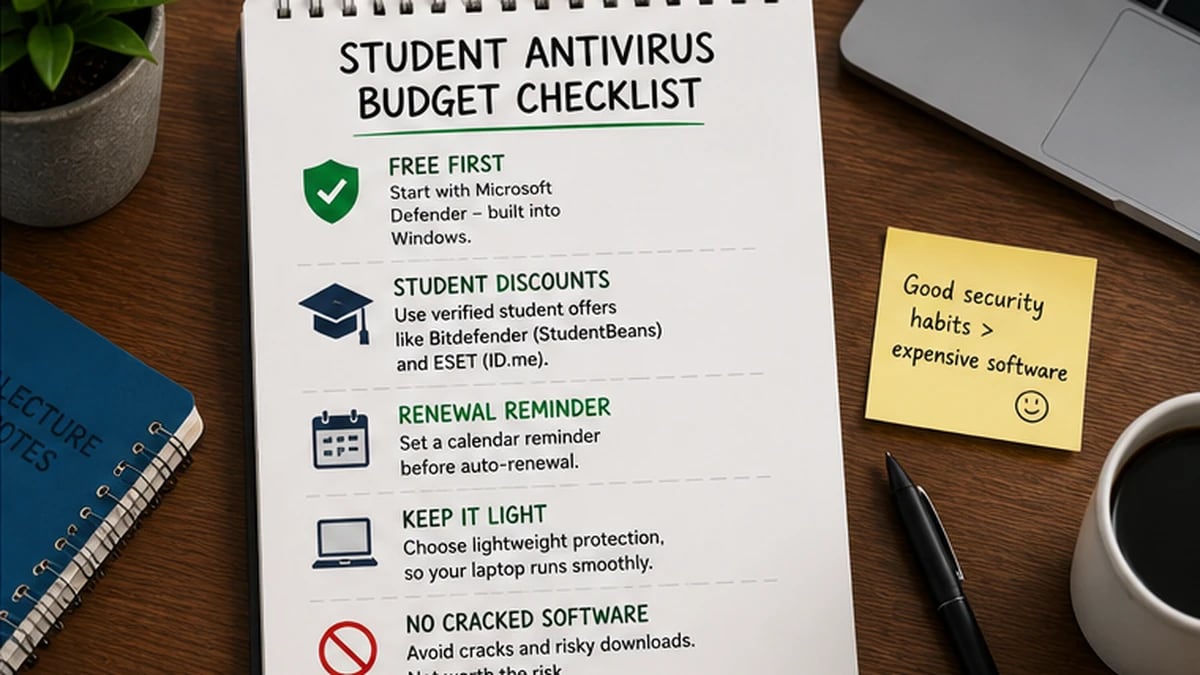
For students, the best antivirus choice is usually the one that balances protection, renewal cost, and laptop performance.
The free option first, because it matters
Start with Microsoft Defender.
It is built into Windows, it updates automatically through Windows security updates, and it does not ask for your credit card.
That matters for students.
A lot of antivirus pages quietly skip over Defender because it does not pay affiliate commission. GuardPick will not do that. For careful Windows 11 users, Microsoft Defender is a legitimate free baseline.
In AV-TEST’s April 2026 Windows 11 home-user test, Microsoft Defender Antivirus scored 6/6 for Protection, 6/6 for Performance, and 6/6 for Usability.
That does not mean Defender makes you immune to malware, phishing, scam sites, or bad decisions. Nothing does. But it does mean the free built-in option is much better than the old reputation Windows antivirus used to have.
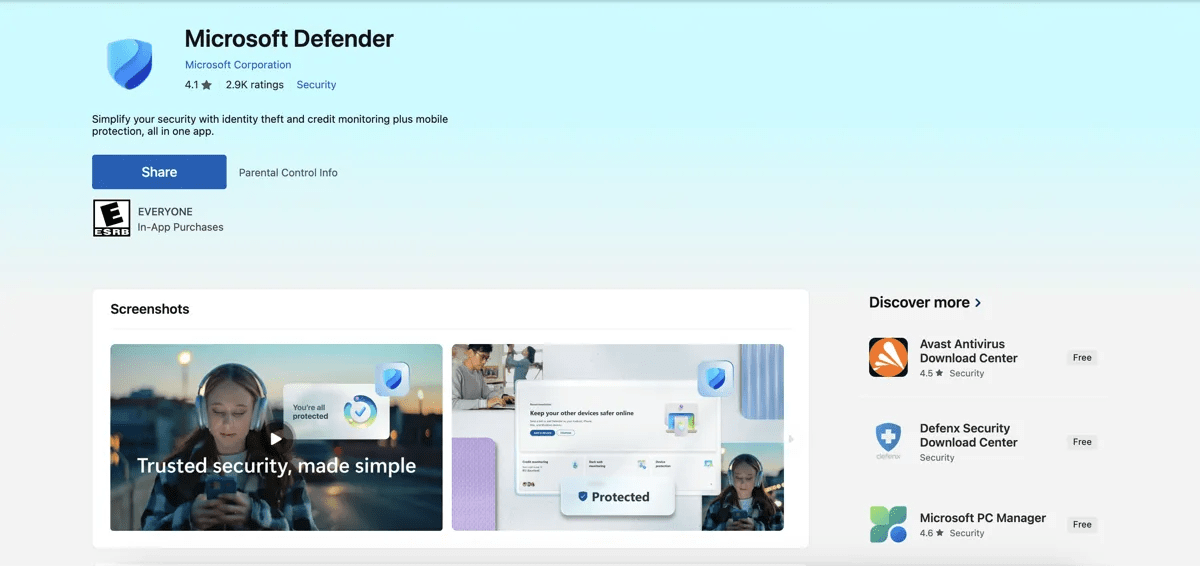
Microsoft Defender is the free baseline I would start with for careful Windows 11 students because it has no checkout add-ons or renewal traps.
Defender is enough if you:
- keep Windows updated
- avoid cracked software
- do not install random browser extensions
- use a modern browser
- avoid suspicious email links
- do not download files from untrusted sites
If that describes you, save your money.
If it does not, paid antivirus may be worth considering.
When paid antivirus makes sense for students
Paid antivirus makes sense for students when the real risk is not just “a virus.”
It is usually one of these:
Phishing links.
Students get emails from clubs, professors, job boards, campus systems, banks, delivery companies, scholarship portals, and random tools they used once for a group project. That creates a lot of chances to click a fake login page.
Downloads from untrusted sources.
This includes sketchy PDFs, ZIP files, “free” software, game mods, cracked apps, and unofficial installers. If you download cracked software, antivirus is not a safety net. The better recommendation is: stop doing that.
Browser junk.
Unwanted extensions, fake search engines, notification spam, and adware are boring threats, but they waste time and make a laptop feel broken.
Public or shared Wi-Fi.
Antivirus does not magically secure public Wi-Fi. HTTPS, browser warnings, and good habits still matter. A VPN can help with privacy on untrusted networks, but bundled antivirus VPNs are often limited unless you pay for a higher plan.
Multiple devices.
If you have a Windows laptop, Android phone, and maybe a family Mac at home, a multi-device plan can make sense — but only if the renewal price is clear.
The key is not fear. The key is fit.
Student discounts that actually exist
Two discounts are worth checking before paying full price.
Bitdefender via StudentBeans
Bitdefender has offered StudentBeans pricing for students after verification. Availability and price can vary by country and campaign, so check the final checkout page before relying on the discount.
ESET via ID.me
ESET offers eligible students up to 25% off consumer products through ID.me. The exact product names and availability can vary by country, but this is a real discount path, not a random coupon blog claim.
Do not assume these discounts renew automatically at the same price. Student verification, region, product plan, and auto-renewal terms can change.
Set a reminder before renewal.
Best antivirus for students in 2026
1. Bitdefender Antivirus / Total Security student offer — Best paid value
If the StudentBeans offer is available to you, Bitdefender is the best paid value for most students.
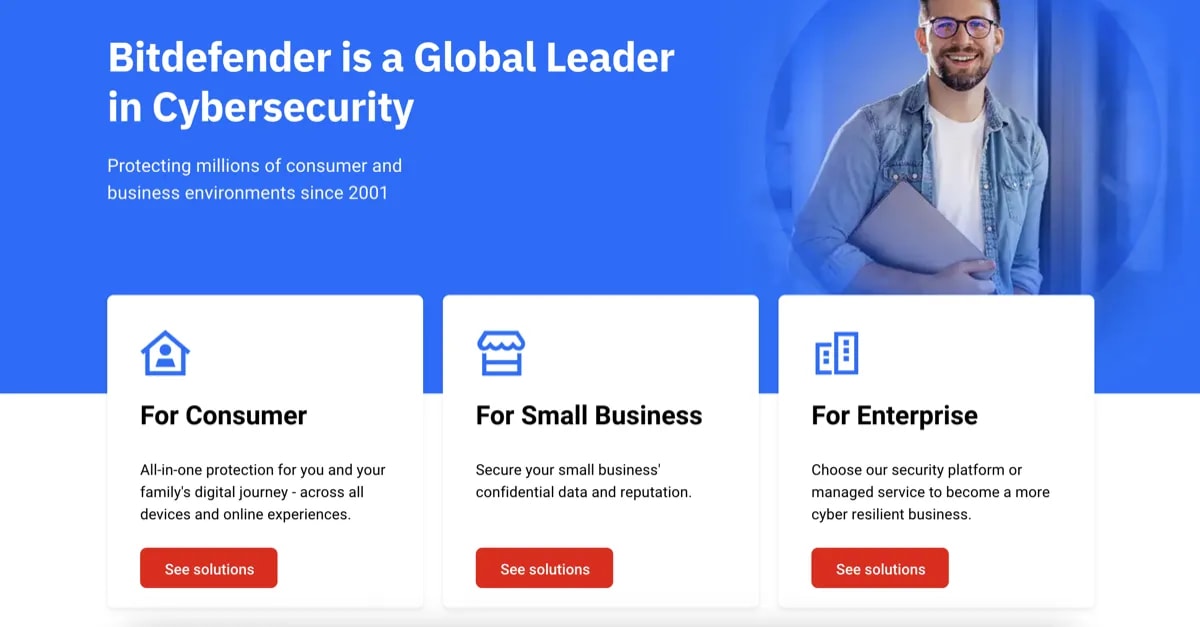
Bitdefender is the paid option I would check first for students when the verified student price is available and renewal reminders are managed.
The reason is simple: the student price can be low enough that paid antivirus stops feeling like a luxury purchase.
Bitdefender also has strong independent lab results. In AV-TEST’s April 2026 Windows 11 test, Bitdefender Total Security scored 6/6 for Protection, 6/6 for Performance, and 6/6 for Usability. In AV-Comparatives’ February–May 2026 Real-World Protection Test, Bitdefender had a 99.5% protection rate across 400 test cases.
That does not mean it protects you from everything. It means Bitdefender is a serious product with consistently strong independent test performance.
For students, the choice is mostly about devices:
- Choose the cheaper Bitdefender Antivirus student offer if you only need Windows protection.
- Choose Bitdefender Total Security if you need coverage across Windows, macOS, Android, or iOS.
The downside is renewal clarity. Student pricing is promotional and verification-based. Do not assume the year-two charge will be the same.
Pricing
First year
$9.99
Prices last checked: Jun 2026. May vary. Affiliate disclosure.
Best for: Students who want paid protection at the lowest real cost.
Avoid if: You cannot access the StudentBeans offer or you do not want to manage renewal reminders.
My setup note: Use Bitdefender only if you are willing to check the renewal date. A cheap first-year offer is good. A surprise renewal is not.
2. ESET HOME Security Essential — Best lightweight paid option
ESET is the paid option I would consider if your laptop is older or you hate bloated software.
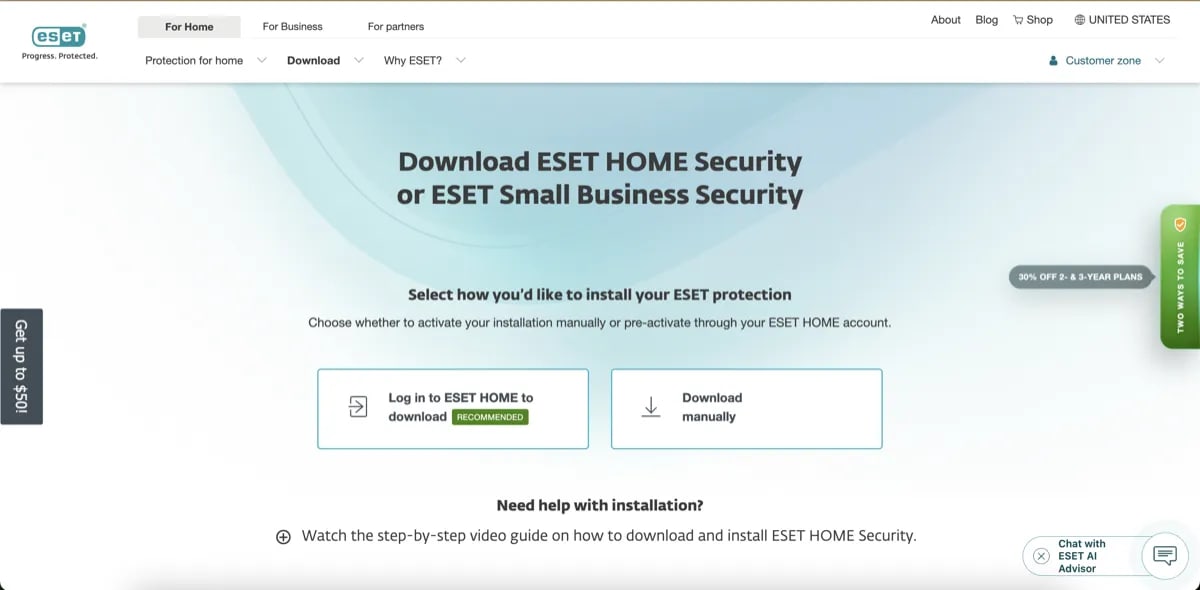
ESET is a better fit when a student laptop is older, slower, or already struggling with too many browser tabs and school apps.
It is not always the cheapest. It is not the flashiest. But it has a good reputation for being lighter and less intrusive than many full security suites.
In AV-TEST’s April 2026 Windows 11 test, ESET Security Ultimate scored 6/6 for Protection, 5.5/6 for Performance, and 6/6 for Usability. In AV-Comparatives’ February–May 2026 Real-World Protection Test, ESET had a 98.5% protection rate.
The student angle is the ID.me discount. ESET offers eligible students up to 25% off consumer products. If the base plan is around $49.99 in your region, that can bring the first-year price to around $37.49. Verify the exact price at checkout.
Product naming note: ESET’s newer consumer lineup uses names like ESET HOME Security Essential. Some older pages and users still say “ESET Internet Security,” but the current naming may differ by region.
Pricing
First year
$37.49
Prices last checked: Jun 2026. May vary. Affiliate disclosure.
Best for: Students with older laptops or people who want lighter paid protection.
Avoid if: You want the absolute lowest price and can access Bitdefender’s student offer.
My setup note: ESET is a better fit for students who care about performance and fewer interruptions more than bundled extras.
3. Malwarebytes Premium — Best extra cleanup layer
Malwarebytes is useful, but I would not make it my first paid pick for a student’s only antivirus.
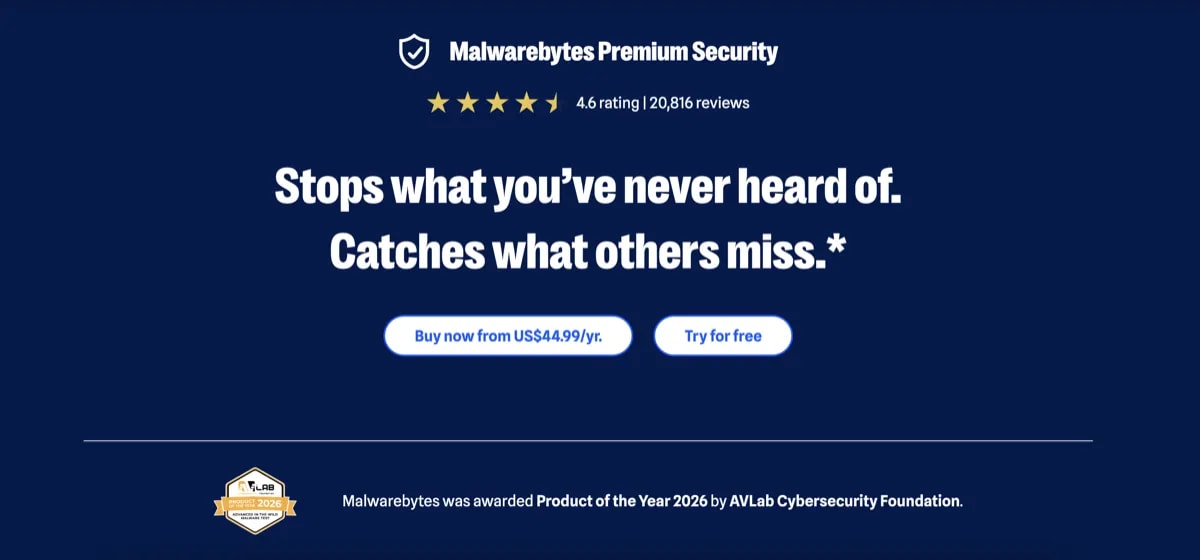
Malwarebytes is most useful for students as a cleanup layer when the real problem is adware, unwanted programs, browser junk, or suspicious popups.
I would treat it as an extra cleanup layer.
It is good for adware, unwanted programs, browser hijackers, and “something feels off” scans. That is useful in student life because a lot of problems come from sketchy installers and browser junk, not dramatic malware.
In AV-TEST’s April 2026 Windows 11 test, Malwarebytes Premium scored 5.5/6 for Protection, 6/6 for Performance, and 6/6 for Usability. In AV-Comparatives’ February–May 2026 Real-World Protection Test, Malwarebytes had a 98.8% protection rate.
That is respectable. But for a budget student, I would usually start with Microsoft Defender, then add Malwarebytes only if cleanup is a recurring problem.
Pricing
First year
$44.99
Prices last checked: Jun 2026. May vary. Affiliate disclosure.
Best for: Students who already use Defender but want a stronger cleanup scanner.
Avoid if: You are trying to spend the least possible money. Start with Defender first.
My setup note: Malwarebytes is most useful after a suspicious download, browser redirect, or weird popup problem.
What about Norton 360?
Norton is a strong security suite, but I would not make it the default student pick.
The product is not the problem. The pricing model is.
Norton often has attractive first-year pricing, but renewal can be much higher. That is fine if you manage subscriptions carefully. It is not great if you are a student trying to avoid surprise charges.
Norton also bundles many features that some students may not need: VPN, dark web monitoring, cloud backup, password tools, and identity-related add-ons depending on plan and region.
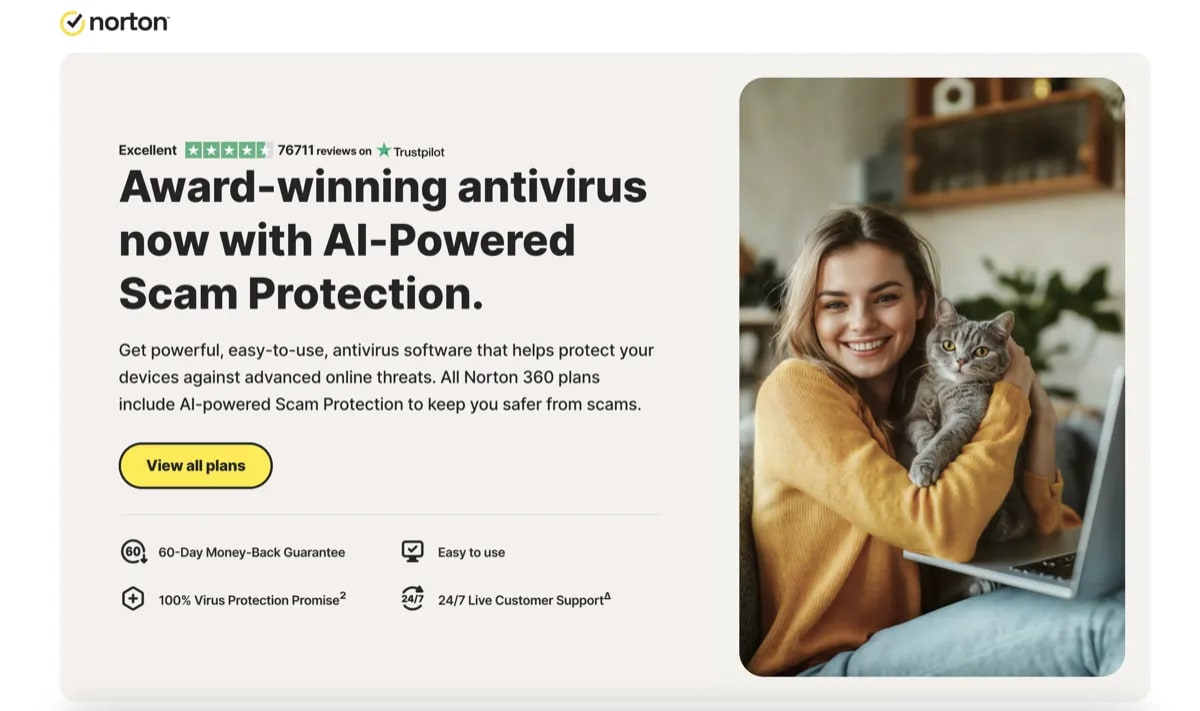
Norton can be a strong suite, but students should only choose it if they actually need the bundle and will manage renewal pricing carefully.
If you need that bundle and you will manage renewal, Norton can make sense.
If you just need antivirus on a student laptop, Bitdefender’s student offer, ESET’s discount, or Microsoft Defender are cleaner choices.
What about TotalAV?
I would not use TotalAV as a primary pick for students.
The reason is not that the first-year price looks bad. It often looks very attractive.
The issue is the billing and renewal experience. Students already have enough subscriptions, trial periods, food delivery apps, streaming plans, school tools, and random software renewals to manage. Antivirus should not add another confusing renewal trap.
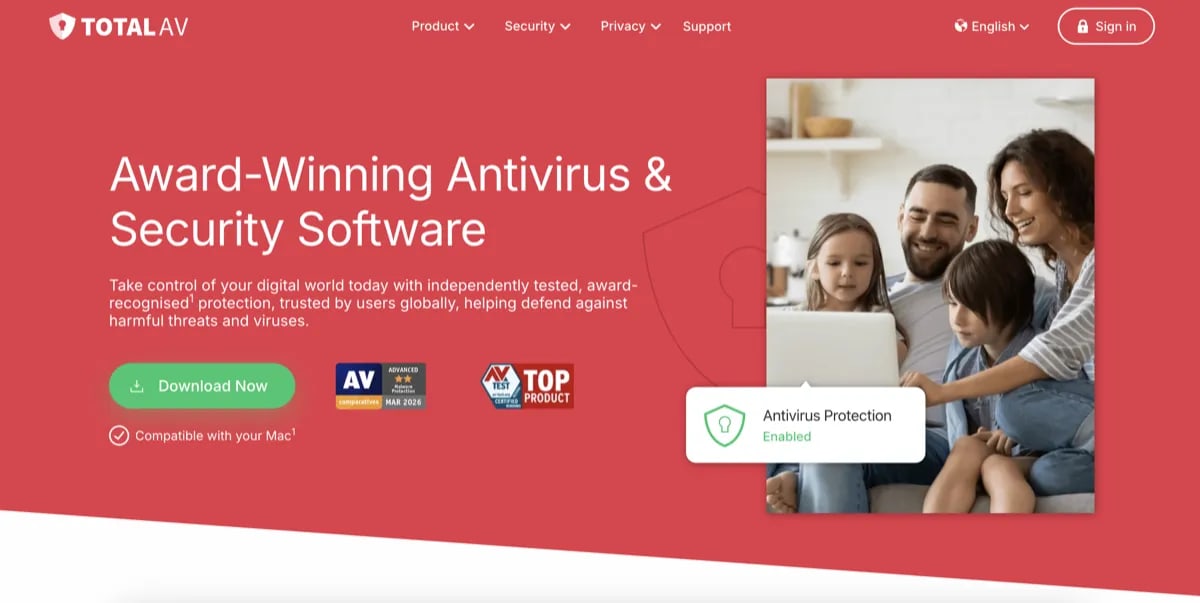
TotalAV is not my primary pick for students because the billing, renewal, and upsell experience can create more management work than most students want.
If TotalAV is already installed on your laptop, check the renewal date, renewal price, auto-renewal setting, and any add-ons before deciding whether to keep it.
Pricing comparison
Prices change often. Student discounts also depend on region and verification. Treat this table as a decision guide, not a permanent price guarantee.
| Option | Student price | Standard price / renewal risk | Best use |
|---|---|---|---|
| Microsoft Defender | Free | Free | Careful Windows 11 students |
| Bitdefender Antivirus student offer | Low student pricing when available | Renewal may be higher; verify before checkout | Best paid budget pick |
| Bitdefender Total Security student offer | Low student pricing when available | Renewal may be higher; verify before checkout | Multi-device student protection |
| ESET HOME Security Essential | Up to 25% off via ID.me | More predictable, but verify region pricing | Lightweight paid option |
| Malwarebytes Premium | No student discount found | Around $44.99+ depending on plan | Extra cleanup layer |
| Norton 360 | Promo varies | High renewal risk | Only if you need the bundle |
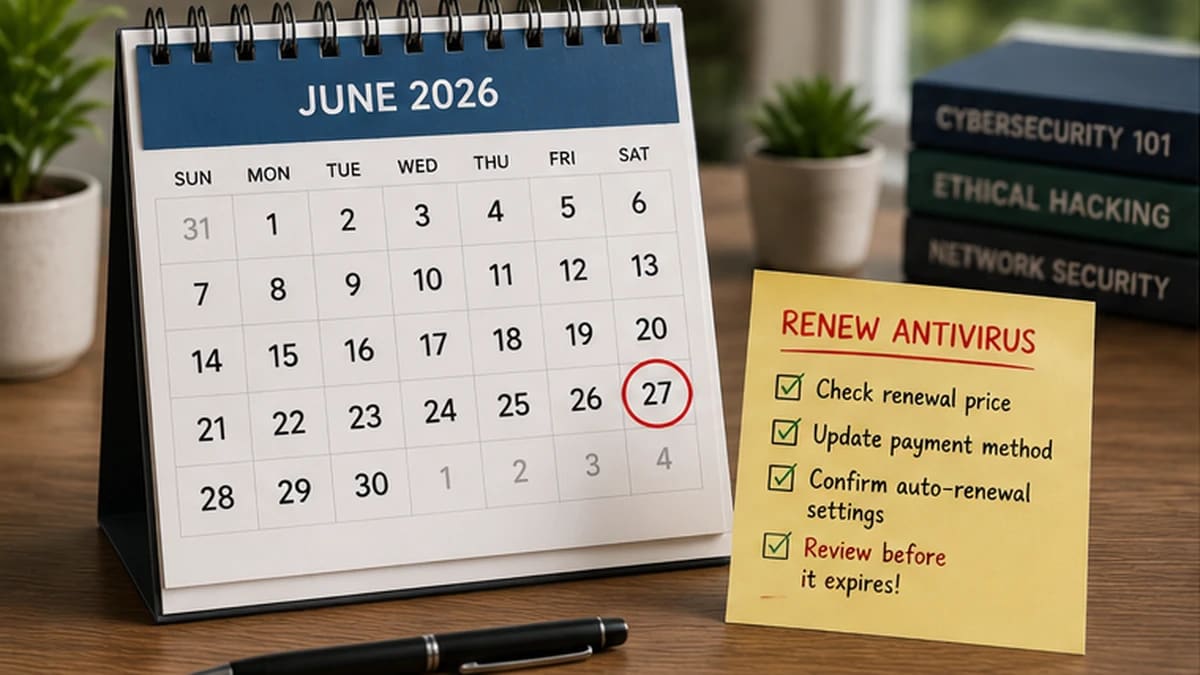
The cheapest first-year antivirus is not always the cheapest two-year choice. Students should set renewal reminders before the next charge.
Free vs paid antivirus for students
Here is the simple version.
Use free Microsoft Defender if you:
- use Windows 11
- keep Windows updated
- avoid cracked software
- do not install random extensions
- mostly download from trusted sources
- do not need multi-device management
Consider paid antivirus if you:
- download lots of files for school or side projects
- use public Wi-Fi often
- want stronger web protection
- need Mac/Android/iOS coverage too
- have already had adware or browser hijacker issues
- want someone else to manage security for you
Paid antivirus is not a moral upgrade. It is a tool.
Buy it because it fits your risk, not because a landing page scared you.
What students should not do
The worst student security setup is not “Microsoft Defender only.”
The worst setup is:
- expired antivirus generating scary popups
- cracked software from random sites
- browser extensions you do not remember installing
- reused passwords
- no 2FA on email or banking
- auto-renewal charges you forgot about
- a VPN you think makes everything safe
Antivirus cannot fix all of that.
If your budget is tight, spend zero dollars and do this first:
- turn on Microsoft Defender
- update Windows
- remove expired antivirus software
- uninstall suspicious browser extensions
- stop downloading cracked software
- use a password manager
- turn on 2FA for your main email
- set recovery options for your school account
That free checklist will protect you more than buying the wrong paid suite and ignoring basic habits.
What I would choose by student type
Choose Microsoft Defender if you are careful, broke, and mostly use trusted websites.
Choose Bitdefender Antivirus student offer if you want paid protection for one Windows laptop at the lowest verified student price.
Choose Bitdefender Total Security student offer if you need protection across multiple devices.
Choose ESET HOME Security Essential if your laptop is older or you want a lighter-feeling paid antivirus.
Choose Malwarebytes Premium if you already use Defender but need help with adware, suspicious popups, or browser junk.
Skip TotalAV as a primary pick. The renewal and billing concerns are not worth putting on a student who just wants simple protection.
Setup checklist for students
Step 1: Check what is already installed.
If you have expired McAfee, Norton, Avast, or another old antivirus trial, remove it before installing anything new.
Step 2: Turn on Microsoft Defender.
Even if you plan to buy something later, make sure Windows Security is active now.
Step 3: Pick based on device count.
One Windows laptop? Bitdefender Antivirus student offer or Defender. Multiple devices? Bitdefender Total Security or ESET.
Step 4: Use a student discount before checkout.
Check StudentBeans for Bitdefender and ID.me for ESET before paying full price.
Step 5: Set a renewal reminder.
Put a reminder in your calendar two weeks before renewal. Do not wait for the charge.
Step 6: Add 2FA to your main accounts.
Your school email, personal email, banking, cloud storage, and password manager matter more than most antivirus extras.
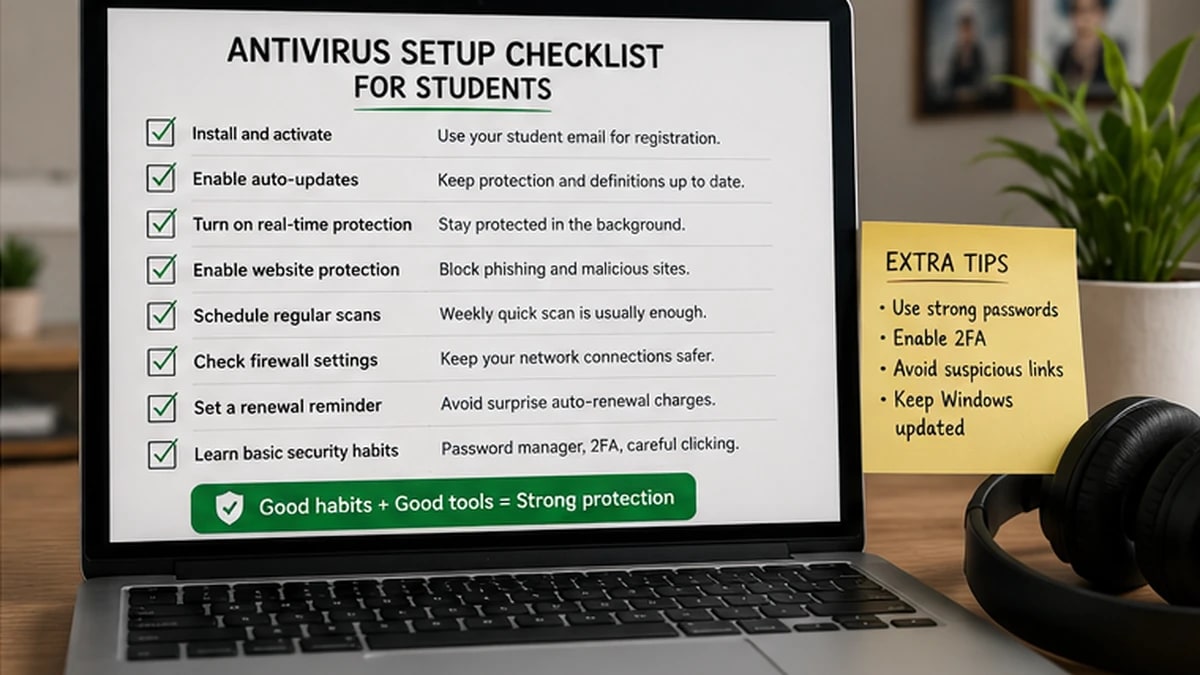
Antivirus is one layer. Updates, passwords, and two-factor authentication matter just as much for student accounts.
My final recommendation
For most students, I would start with Microsoft Defender.
It is free, built into Windows, and good enough for careful users.
If you want paid protection and can verify student status, my paid pick is Bitdefender’s student offer. The low-cost antivirus offer is hard to beat for one Windows laptop when available, and the Total Security offer makes sense if you need multiple devices.
If you care more about lightweight performance and fewer interruptions, choose ESET with the student discount.
If you already have weird popups, browser redirects, or adware, add Malwarebytes as a cleanup layer.
Do not buy antivirus because you are scared.
Buy it because you know exactly what problem it solves.
Related reading
- Windows Defender vs Paid Antivirus
- Best Free Antivirus for Windows
- How to Choose Antivirus Software
- Best Antivirus for Remote Workers
- TotalAV Review 2026
Sources and last checked notes
I do not run a malware testing lab. I use independent lab results as one input, then judge whether the product makes sense for a normal Windows user on a real budget.
- AV-TEST, Windows 11 home-user test, April 2026: https://www.av-test.org/en/antivirus/home-windows/
- AV-Comparatives, Real-World Protection Test, February–May 2026: https://av-comparatives.org/tests/real-world-protection-test-february-may-2026/
- Microsoft Support, Windows Security and Microsoft Defender Antivirus: https://support.microsoft.com/en-us/windows/security/windows-security/stay-protected-with-the-windows-security-app
- Bitdefender StudentBeans offer: https://www.studentbeans.com/student-discount/us/bitdefender
- ESET group discounts: https://www.eset.com/us/group-discounts/
- ESET ID.me student discount: https://shop.id.me/stores/6622-eset
- Malwarebytes pricing: https://www.malwarebytes.com/pricing