Last reviewed: July 4, 2026
GuardPick snapshot
The short version
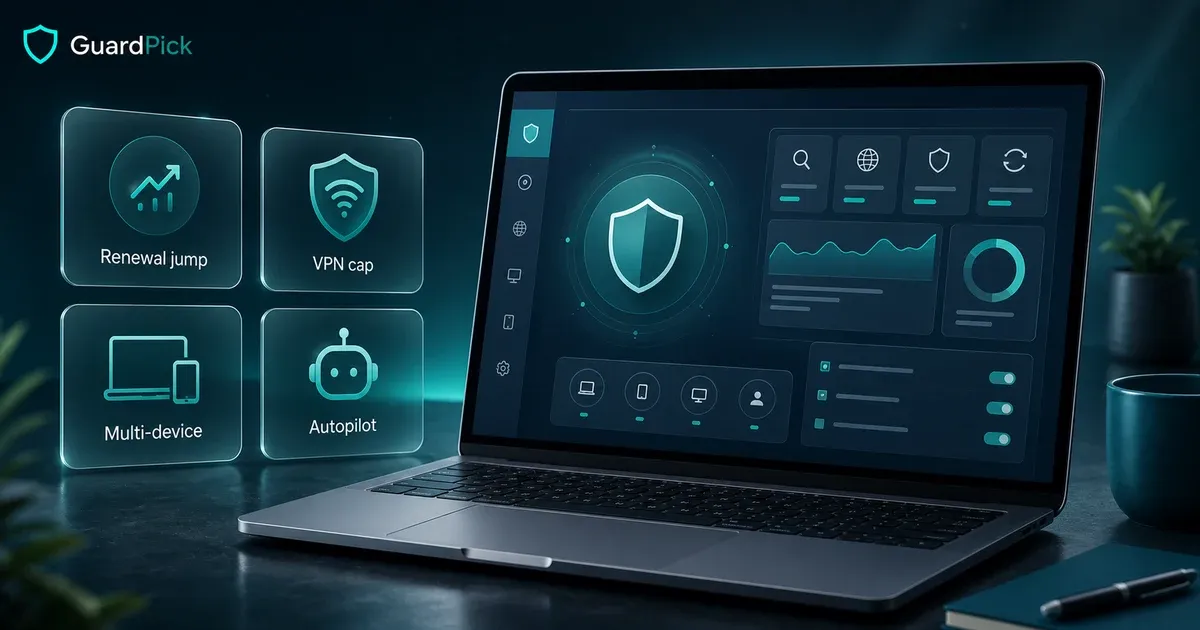
Bitdefender Total Security scores near the top in independent lab tests and runs quietly enough to ignore day-to-day. The buying decision comes down to three checks: current first-term price, renewal terms, and whether the 200MB/day VPN cap matters.
Best for
Households with several Windows devices that want a set-and-forget paid suite with strong lab positioning and optional family controls.
Avoid if
Solo Windows 11 users fine with Defender, budget buyers who won't use the extras, or anyone who needs an unlimited VPN.
Main tradeoff
Strong consistent protection, checkout renewal homework, and upsell behavior that does not stop after you've paid.
Safer alternative
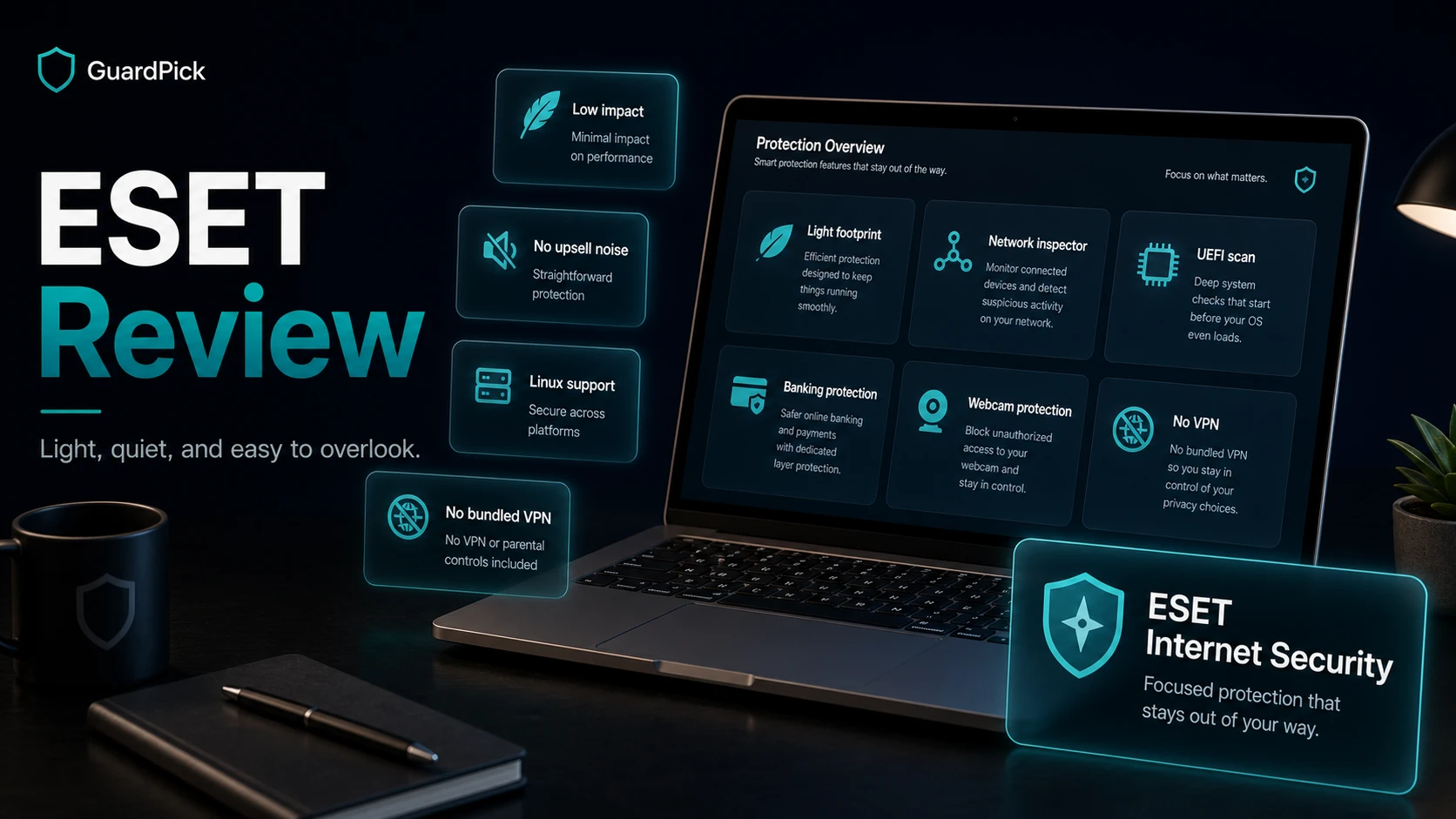
Microsoft Defender for careful solo users. ESET Internet Security if footprint or upsell noise is the concern.
Product fit
Who Bitdefender Total Security fits best
This is an editorial fit check, not a lab score. It is meant to help you decide whether the product matches your situation.
Good fit
- Households with 3-5 Windows devices that want unified protection and optional family controls.
- Users replacing Kaspersky who need a mainstream alternative with similar lab positioning.
- Remote workers wanting multi-device coverage that runs without requiring daily attention.
Poor fit
- Careful solo Windows 11 users. Microsoft Defender covers the baseline for free.
- Budget buyers who will not use VPN, parental controls, or multi-device slots.
- Anyone who needs unlimited VPN daily. The 200MB cap does not cover real use.
Best use case: A household with 3-5 Windows devices where someone wants paid protection that runs without interrupting anyone.
Watch out: Verify the current renewal terms and VPN daily limit before purchasing.
I used Bitdefender on a Windows machine years before most people had heard of AV-TEST. It felt heavy then: scans at inconvenient moments, constant update reminders, a boot splash screen. The current product is positioned very differently. Autopilot and background decision-making are the core pitch now, which is exactly the right direction for normal Windows households.
Some things have not changed, though. The dashboard still finds ways to remind you there is more to buy, even after you’ve paid for the full suite.
For a more detailed look at how Bitdefender compares to the field, see the best antivirus software roundup.
What Bitdefender Total Security is
Bitdefender Total Security is a multi-device security suite from a Romanian company that has placed consistently near the top of independent lab testing for years. The Individual Total Security plan is commonly sold for up to 5 devices across Windows, Mac, Android, and iOS.
Core components: real-time malware protection, behavioral detection, ransomware remediation, web filtering, anti-phishing, a firewall, anti-theft for laptops, a file shredder, and a capped VPN. Family plan options add parental-control features. Autopilot mode is designed to handle protection decisions in the background without asking the user to make technical calls.
Detection performance
Lab data context
Independent lab context
Lab data can be useful, but it is one input. It does not replace pricing, usability, renewal clarity, or your actual risk level.
AV-TEST
April 2026
What was measured
Windows home-user protection, performance impact, and usability over a two-month evaluation period.
Result summary
Bitdefender Total Security 27.0 earned 6/6 in protection, performance, and usability in this AV-TEST Windows home-user round.
What it does not prove
Lab conditions do not replicate every real-world threat scenario. Detection rate differences between top-tier products are small in practice.
GuardPick interpretation
Use these scores as a signal of consistent quality, not proof of meaningfully better protection than every other top-rated product.
AV-Comparatives
February-May 2025
What was measured
Real-World Protection test: live web-delivered threats in a controlled environment.
Result summary
Bitdefender remained in the top certification band in this AV-Comparatives real-world testing period.
What it does not prove
It does not prove Bitdefender catches every threat. No product does.
GuardPick interpretation
Advanced+ combined with consistent AV-TEST results supports Bitdefender being a reliable mainstream choice for most household use cases.
GuardPick does not run in-house malware tests. Use the named lab month/year to verify the source before treating any result as current.
For context: Windows Defender also performs strongly in recent AV-TEST consumer rounds. The practical detection-rate difference between Bitdefender and Defender is small for standard malware. Where Bitdefender adds more meaningful distance is in behavioral detection, ransomware rollback, and the bundled extras.
Features worth knowing
Autopilot mode is the most practically useful feature for non-technical households. It is designed to make protection decisions in the background without constant prompting. That matters more than another small settings panel most people will never open.
Family controls are worth checking if you are buying for a household. Bitdefender’s family-oriented plans can cover screen time, content filtering, app blocking, and location features, but do not assume every control is included in every checkout option. Confirm the exact plan before buying.
Marketing vs usefulness
Feature reality check
Antivirus suites often bundle useful-sounding extras. The question is whether each one changes the buying decision.
Bundled VPN
Sounds useful because
Public Wi-Fi protection and browsing privacy are real concerns for remote workers and travelers.
Reality check
Total Security caps the standard VPN at 200MB per day per device. That covers light browsing but not a single video call or any streaming session.
GuardPick take
Treat the VPN as a backup for occasional public Wi-Fi use, not a daily tool. If you need a working daily VPN, add a standalone service or compare suites that include unlimited VPN access.
Ransomware remediation
Sounds useful because
Ransomware encrypts local files and demands payment. This is a genuine threat for households with important documents.
Reality check
Bitdefender monitors access to personal folders and can roll back unauthorized file changes. This is a genuine extra layer not present in all antivirus products.
GuardPick take
Useful if you store important files locally. Pair with regular offline backups regardless. No security tool replaces a tested backup.
Dashboard upsells
Sounds useful because
Additional features are surfaced inside the product after purchase.
Reality check
After paying for Total Security, the dashboard still promotes VPN upgrades and other Bitdefender products. This is a documented, ongoing user complaint.
GuardPick take
Does not affect protection quality, but affects the experience of a product you already paid for. If upsell behavior bothers you, ESET is quieter.
Performance impact on Windows
On modern hardware, meaning laptops from 2020 and newer with SSDs, everyday performance impact is minimal. Scheduled scans during low-use periods avoid most workflow disruption.
On older hardware, such as Core i5 machines from 2016 or earlier or PCs with spinning hard drives, active scans noticeably slow things down. File transfers, browser response, and app load times take a hit during full scans. Scheduling scans for idle periods helps. The impact is manageable but requires some configuration.
ESET Internet Security consistently scores well for lower performance impact in independent testing, which is worth considering if an older machine is in the household.
Pricing and renewal
Pricing clarity
Bitdefender Total Security renewal check
Introductory pricing can be meaningfully different from the price you pay after the first term. Verify the renewal terms before checkout.
First term
$59.99 listed for 5 devices
Often the advertised price. Confirm device count, term length, and included features.
Renewal
Verify at checkout
This is the number that matters if auto-renewal stays enabled after year one.
Before you buy
Set a calendar reminder 30 days before renewal. Treat the product page price as a first-term check, then verify the renewal terms in checkout or your account before auto-renewal runs. Prices last checked: July 2026.
Affiliate link. Verify renewal terms and device count before checkout.
| Plan | Devices | Year 1 | Renewal | |
|---|---|---|---|---|
| Bitdefender Total Security (5 devices) Best value | 5 devices | $59.99 | — | View deal → |
| ESET Internet Security (3 devices) | 3 devices | $49.99 | $59.99 | View deal → |
| Microsoft Defender | Unlimited | $0.00 | — | Read guide → |
Bitdefender’s official U.S. page listed Total Security Individual at $59.99 for 5 devices when checked in July 2026. Treat that as a current product-page snapshot, not a permanent price promise. The renewal amount can depend on checkout, account settings, region, and future promotions, so verify it before you leave auto-renewal enabled.
At 5 devices, Bitdefender can still make sense for a household. If you protect only one machine, the value argument is weaker against Emsisoft, Malwarebytes Premium, or Microsoft Defender.
Who should buy Bitdefender
If you manage 3-5 Windows devices in a household and want paid protection that runs without requiring attention, Bitdefender Total Security is a reasonable choice. The lab scores are consistent, Autopilot is aimed at low-interruption protection, and the multi-device coverage improves value as you use more device slots.
It is also the most direct mainstream replacement for Kaspersky. Protection quality is similar. The interface is busier, but the transition is straightforward.
Who should NOT buy Bitdefender
Skip Bitdefender if:
- You have one Windows PC and browse carefully. Windows Defender covers the baseline at no cost.
- The renewal terms are unclear or outside your comfortable budget. Malwarebytes Premium or Emsisoft offer more focused protection models.
- You need a VPN that works for streaming or regular remote work. The 200MB/day/device cap is not enough. Add a standalone VPN or compare suites that include unlimited VPN if that is a requirement.
- Upsell behavior in paid software bothers you. The dashboard noise is a consistent complaint from long-term users.
Editorial method
How this was checked
GuardPick reviews combine a real-world Windows user angle with source checks, pricing context, and safer alternatives. We are not an antivirus lab, and we do not treat affiliate payouts as a recommendation signal.
- 01
Real-world angle
We look at whether the product makes sense for normal Windows users, not only benchmark charts.
- 02
Independent research
When lab data is used, we name the source and date instead of repeating vague marketing claims.
- 03
Pricing check
Intro prices, renewal jumps, trial limits, and cancellation friction are part of the verdict.
- 04
Alternatives considered
Windows Defender and lower-cost options stay on the table when paid software is not necessary.
Alternatives worth comparing
Alternative path
Where Bitdefender fits in the range
Start with the lowest-friction option, then upgrade only when the extra layer solves a real problem.
- 01
Free baseline
Microsoft Defender
Already on your Windows machine. Sufficient for careful solo users with good habits. No renewal, no upsell.
- 02
Focused paid, lighter footprint
ESET Internet Security
Quieter interface, good fit for older hardware, fewer bundled extras. Often the cleaner choice if upsell noise bothers you.
- 03
Full suite with top lab scores
Bitdefender Total Security
Worth the renewal when you use 3-5 device slots and genuinely want parental controls or Autopilot mode.
- 04
Full suite with unlimited VPN
Norton 360 Deluxe
Often worth comparing if an unlimited VPN is a daily requirement. Similar mainstream-suite positioning, but verify current price and renewal terms.
Related reading: Bitdefender vs Norton compared · Windows Defender vs paid antivirus
Sources
- Bitdefender Total Security: https://www.bitdefender.com/solutions/total-security.html
- AV-TEST home-user antivirus results: https://www.av-test.org/en/antivirus/home-windows/
- AV-Comparatives Real-World Protection tests: https://www.av-comparatives.org/tests/