Quick Take
- ClickFix succeeds by making the victim run the command themselves, not by sneaking a file past antivirus
- It borrows the muscle memory built by years of real CAPTCHA prompts
- Most security training still centers on links and attachments, leaving this exact gap uncovered
- The fix isn’t a product. It’s one rule: no website should ever tell you what to type into Run or a terminal
Experience note: Written after decoding and checking a command sent to me directly, covered in our ClickFix breakdown. This is an opinion/analysis piece, not a malware lab report.
I’ve spent years cleaning WordPress malware off client sites, the kind that gets in through an outdated plugin nobody remembered to update. That work taught me to think about security in terms of doors: patch the door, lock the door, watch who has keys to the door. ClickFix doesn’t pick a lock. It hands you the key and asks you, politely, to open the door yourself.
That distinction is the reason this tactic feels so effective right now.
Myth check
Why the old advice misses ClickFix
The usual security checklist still matters, but ClickFix sits in the blind spot between browser caution and command-line trust.
Myth
Just don't download suspicious files.
Reality
ClickFix can skip the obvious download step by asking you to run a command that fetches the payload itself.
GuardPick take
File caution is necessary, but it is no longer enough.
Add one rule: websites do not get to dictate commands for Run, PowerShell, or Terminal.
Myth
CAPTCHA-style prompts are routine.
Reality
Real CAPTCHA prompts verify inside the page. A command prompt instruction is not normal verification friction.
GuardPick take
Familiar design is being used as cover for an unfamiliar action.
Pause harder when a familiar UI asks for a new kind of behavior.
Myth
Security software makes the user decision less important.
Reality
Web protection can block known bad pages, but it may not help after a user voluntarily executes a command.
GuardPick take
The user's final click or Enter key still matters.
Treat command execution like installing software, not like clicking a checkbox.
The Old Playbook Assumed a File
Traditional malware delivery needed a file to land somewhere: an email attachment, a cracked-software installer, a fake update download. That file sat on disk long enough for antivirus to scan it, for a hash to get flagged, for a security researcher to catch a sample and add it to a detection database. The entire defense industry built around malware for two decades assumes this exact moment exists: a file arrives, something looks at it before it runs.
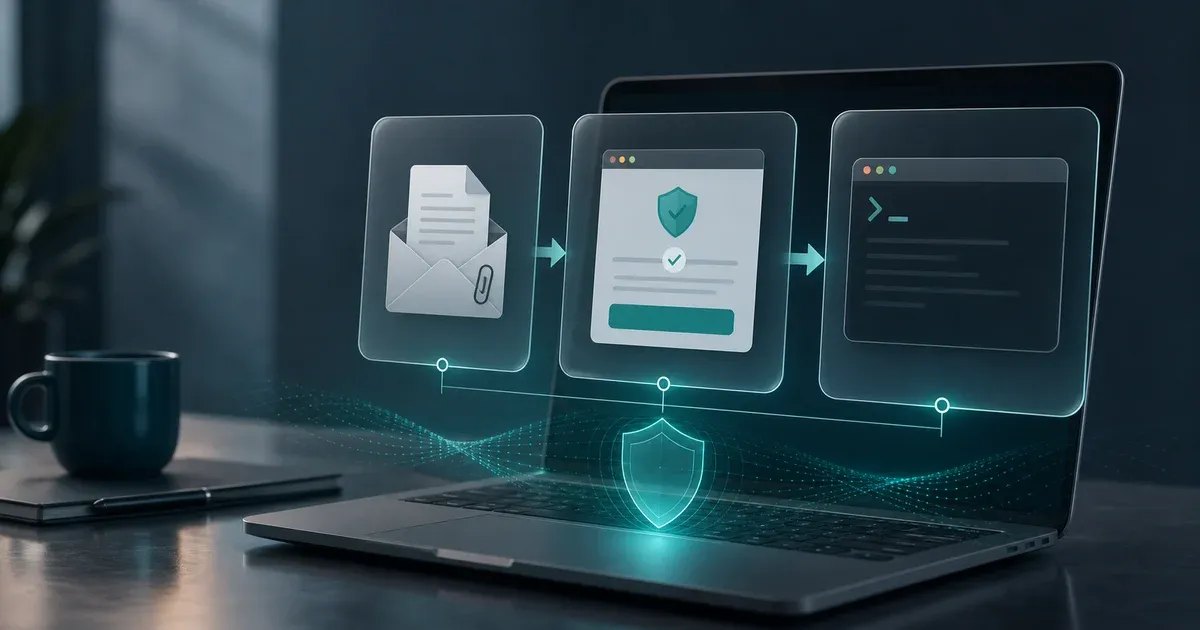
ClickFix skips that moment. The command usually pipes content straight from a URL into a shell or interpreter, curl into zsh on a Mac, iwr | iex in PowerShell on Windows, and nothing is ever saved to disk in a form a scanner can inspect ahead of time. By the time anything resembling a normal file exists, the important decision may already have happened.
It Borrows a Reflex You Already Have
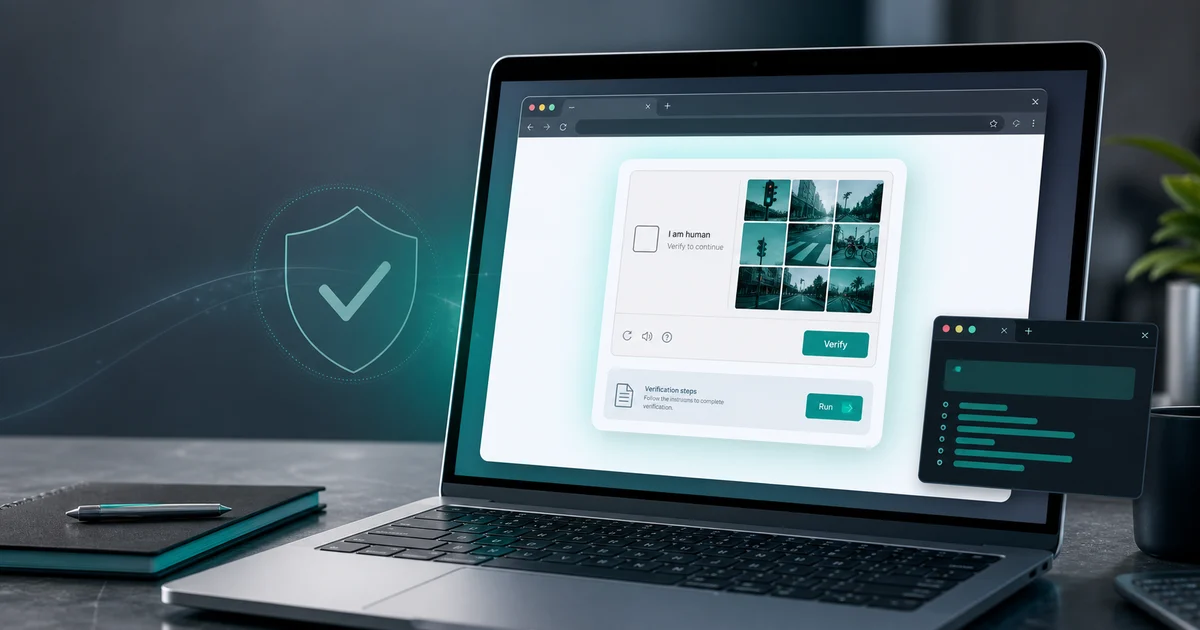
The other reason this works: everyone has clicked through hundreds of real CAPTCHAs. “Verify you’re human,” a checkbox, sometimes a grid of traffic lights, occasionally a slider. That’s years of trained behavior, treating a verification prompt as a small piece of friction to clear on the way to whatever you actually wanted.
My Experience:
The version I received leaned directly on that reflex. It didn’t ask me to download anything or click a suspicious link, both of which I’d have paused on. It asked me to paste one line of text and press a key, framed as the same kind of routine step I’ve cleared a thousand times before on real sites. That’s not an accident. It’s the entire design.
Security Training Is Still Fighting the Last War
Most security awareness material, the kind companies run through mandatory annual training, still centers almost entirely on two things: don’t click unknown links, and don’t open unexpected attachments. Both of those are still good advice. Neither of them covers what actually happened to me.
The rule that would have covered it, a website should never be able to tell you what to paste into Run, PowerShell, or Terminal, barely exists in most training material. It’s a newer category of instruction for a genuinely newer category of attack, and awareness programs tend to lag a year or two behind whatever’s actually spreading.
This Isn’t a New Kind of Malware. It’s a New Kind of Door
The payload at the end of a ClickFix command can be almost anything: an infostealer grabbing saved browser passwords, a remote access tool, a cryptominer running quietly in the background. None of that is new. What’s new is the delivery mechanism, and delivery mechanisms are exactly the part that determines whether existing defenses even get a chance to work.
That’s also why I don’t think the fix here is a product recommendation. A stronger antivirus with better web filtering helps catch the fake CAPTCHA page itself before it loads, and that’s worth having. But the moment someone has already decoded a command and pasted it into Run, no scanner sitting between the browser and the operating system gets a vote anymore. The decision already happened.
Decision flow
Where ClickFix can still be stopped
The useful defense depends on which stage of the scam you are in. Earlier is always better.
- 01
Before the fake page loads
Browser safe-browsing tools or antivirus web protection may block the known malicious URL.
Web protection can help
- 02
When the page asks for a command
This is the highest-leverage moment. A real verification page should not need Run, PowerShell, or Terminal.
Close the tab
- 03
After you pasted but before Enter
Pasted text is not executed yet. Scroll up, read it, decode it, and do not submit it.
You can still stop
- 04
After the command ran
Now you are checking for payloads, startup items, history entries, and account risk.
Move to cleanup checks
What Actually Changes After This
I didn’t come out of this deciding I needed new software. I came out of it with one added habit: read the entire thing before you paste it anywhere that executes code, and never assume a verification prompt is routine just because it looks like the hundred routine ones before it. If you want the specific steps I use now, start with checking a command before running it. If the command may already have been submitted through Windows Run, check Run dialog history. If you are past that point and checking for compromise, use the virus symptom checklist.
Editorial method
How to read this opinion piece
This is not a malware lab report. It is a practical analysis of a command I personally received, decoded, and checked before running.
- 01
Personal incident
The article starts from a real command sent to me, not a hypothetical example.
- 02
Technique focus
The point is the delivery method: fake verification plus self-executed command.
- 03
No product certainty
Web protection can help at the page stage, but no product replaces not executing unknown commands.
- 04
Next-step links
The linked guides cover command inspection, Run history, and post-scare symptom checks.